 XBLAH'SMODDING TOOL
Download
XBLAH'SMODDING TOOL
Download
I build
the tools.
You make
the game.
One IDE for GoldSrc, Source and Lambda mods. Build maps in the integrated map editor, then edit the materials, models, particles, sounds, menus and code around them, compile, test and publish without switching programs.
From a single map to a total conversion, in one IDE.
The map editor sits in the same window as everything else. Pick a texture and the Materials browser is right there. Place a prop and the Model editor is one click away. Compile, play and publish from the same toolbar.
It replaces Hammer.
Four views, the tools you expect, and real-time Vulkan lighting for every engine, so you see your lights before you compile.
Every asset one click away.
Materials, models, sounds and particles open in their own editors, in the same window.
Compile and play.
A compiler with presets for beginners and full control for everyone else.
Publish.
Pack a single map, a map pack or the whole mod, and upload to the Workshop where the game supports it.
The jobs that used to take three programs.
7 editors that replace a chain of separate tools, hand-edited text files and recompiles. Pick one to see what it changes.
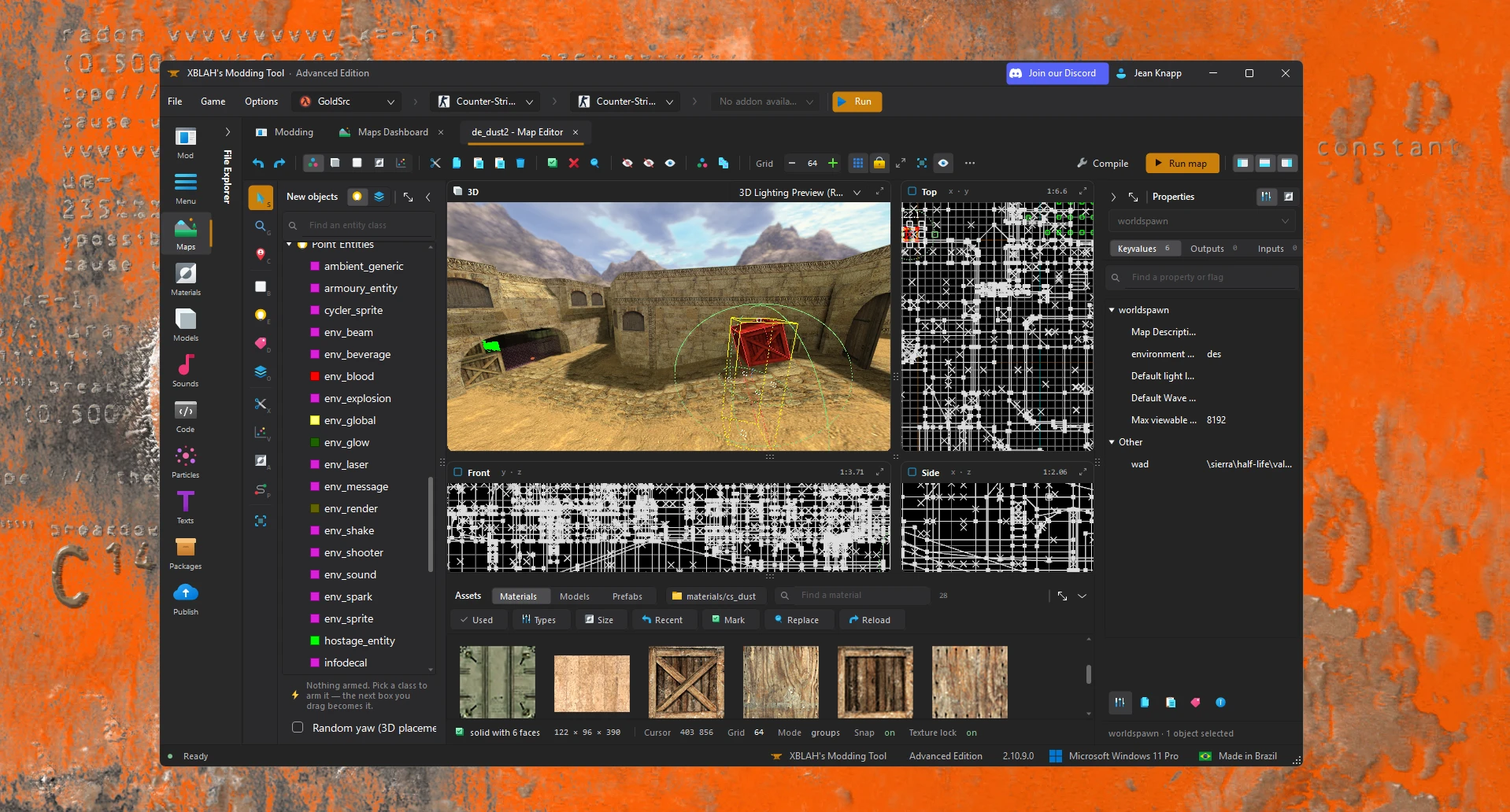
Build the map with the lighting already on.
Build in Hammer, compile, launch the game, and only then see how the lights look.
Real-time lighting rendered in Vulkan while you build, for every supported engine, with the compiler and the asset browsers in the same window.
- Lighting preview while you edit
- Every brush, entity and face tool in one place
- Compile and run without leaving the editor
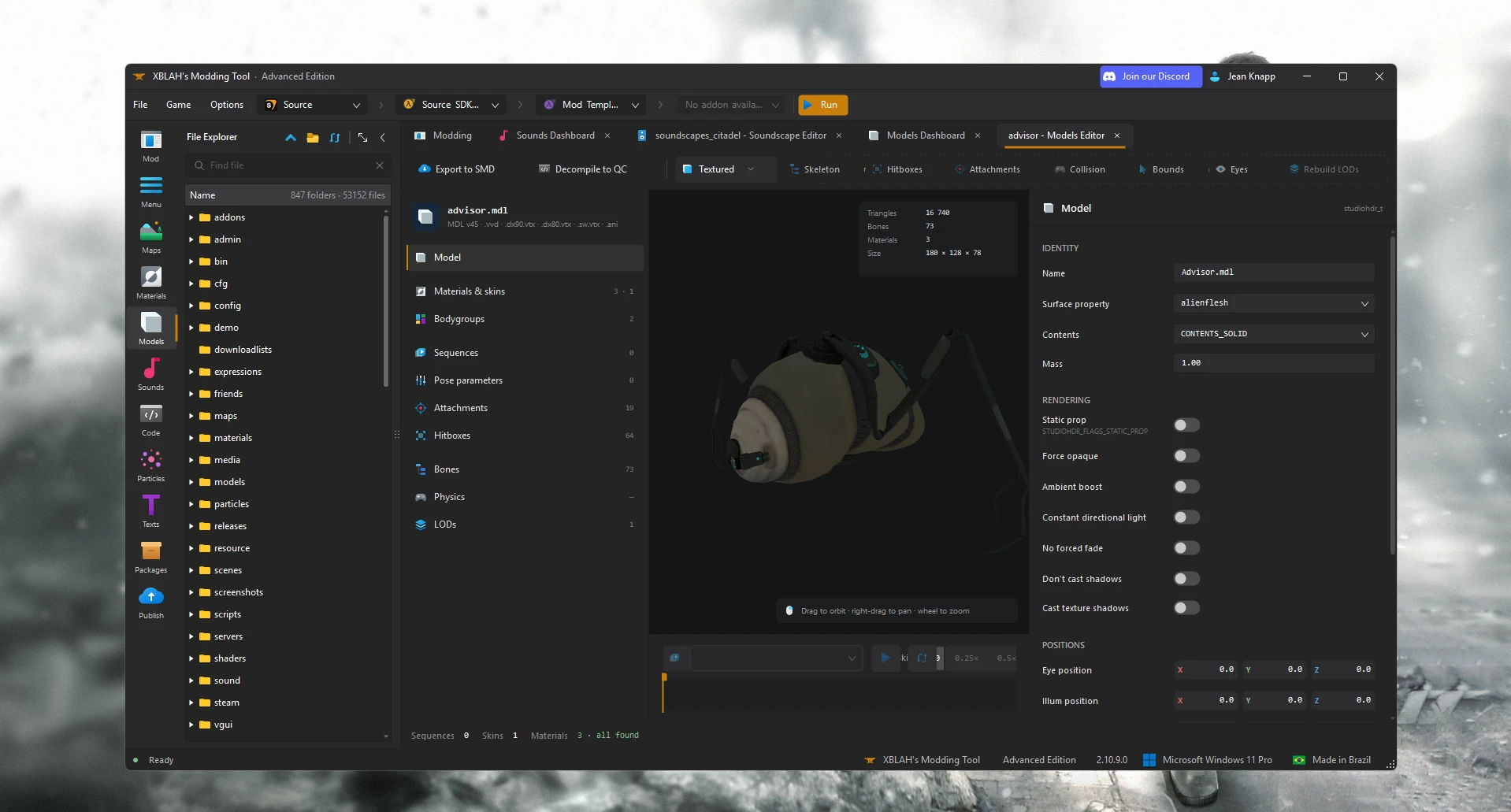
Change a compiled model without decompiling it.
Decompile with Crowbar, edit the QC, recompile, and hope nothing broke.
Edit skins, sequences, events, attachments, hitboxes and physics in place, and see each change on the model.
- Skin families as a grid of materials
- Animation events placed on a timeline
- Hitboxes and attachments drawn on the model
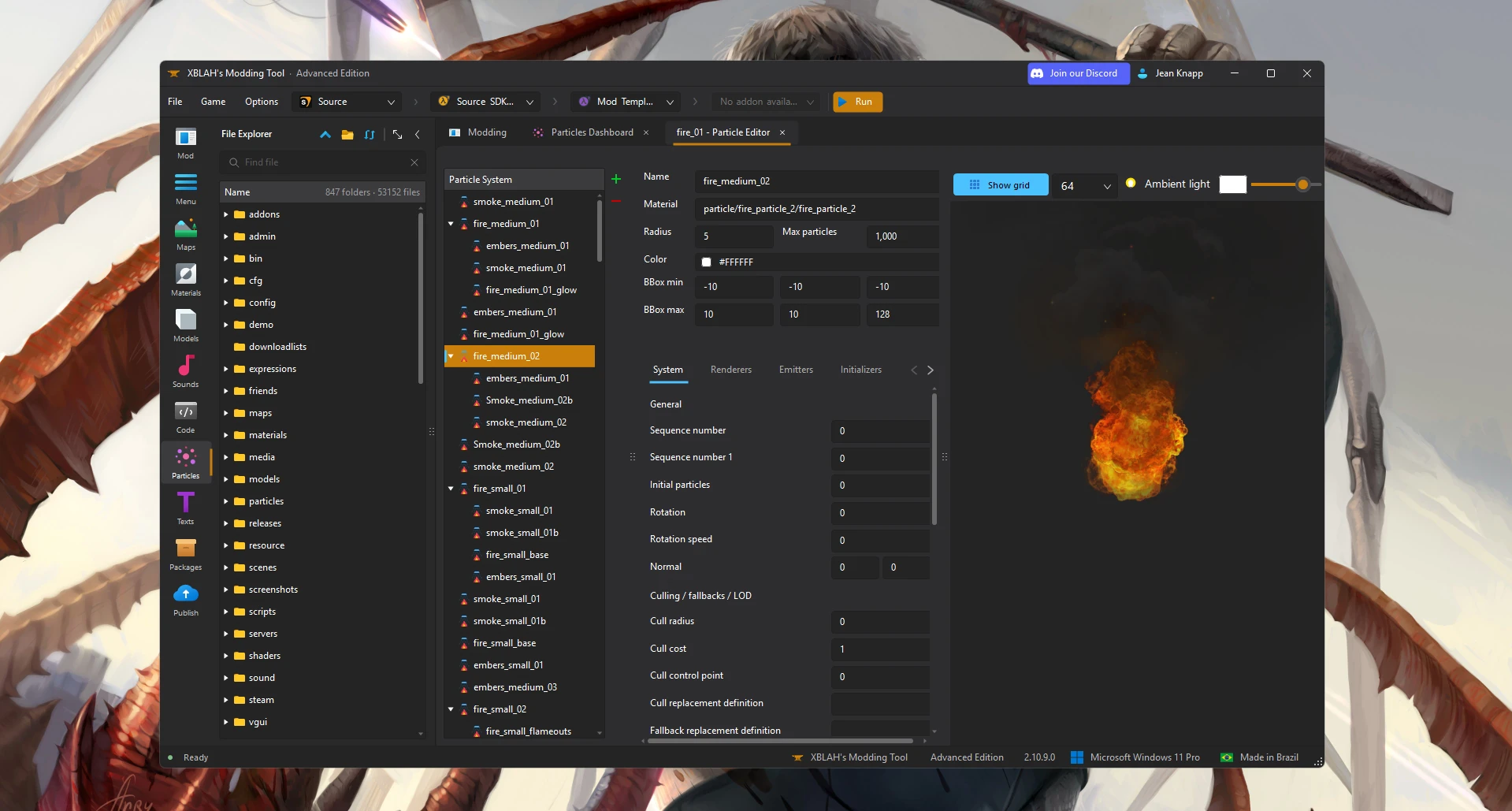
Every particle file and the manifest, in one view.
Open each PCF on its own and edit particles_manifest.txt by hand.
See every file and system, convert PCF versions, and keep the manifest in sync on its own.
- Files missing from the manifest are flagged
- Format conversion warns before anything is lost
- Base-game files are copied into the mod when you edit them
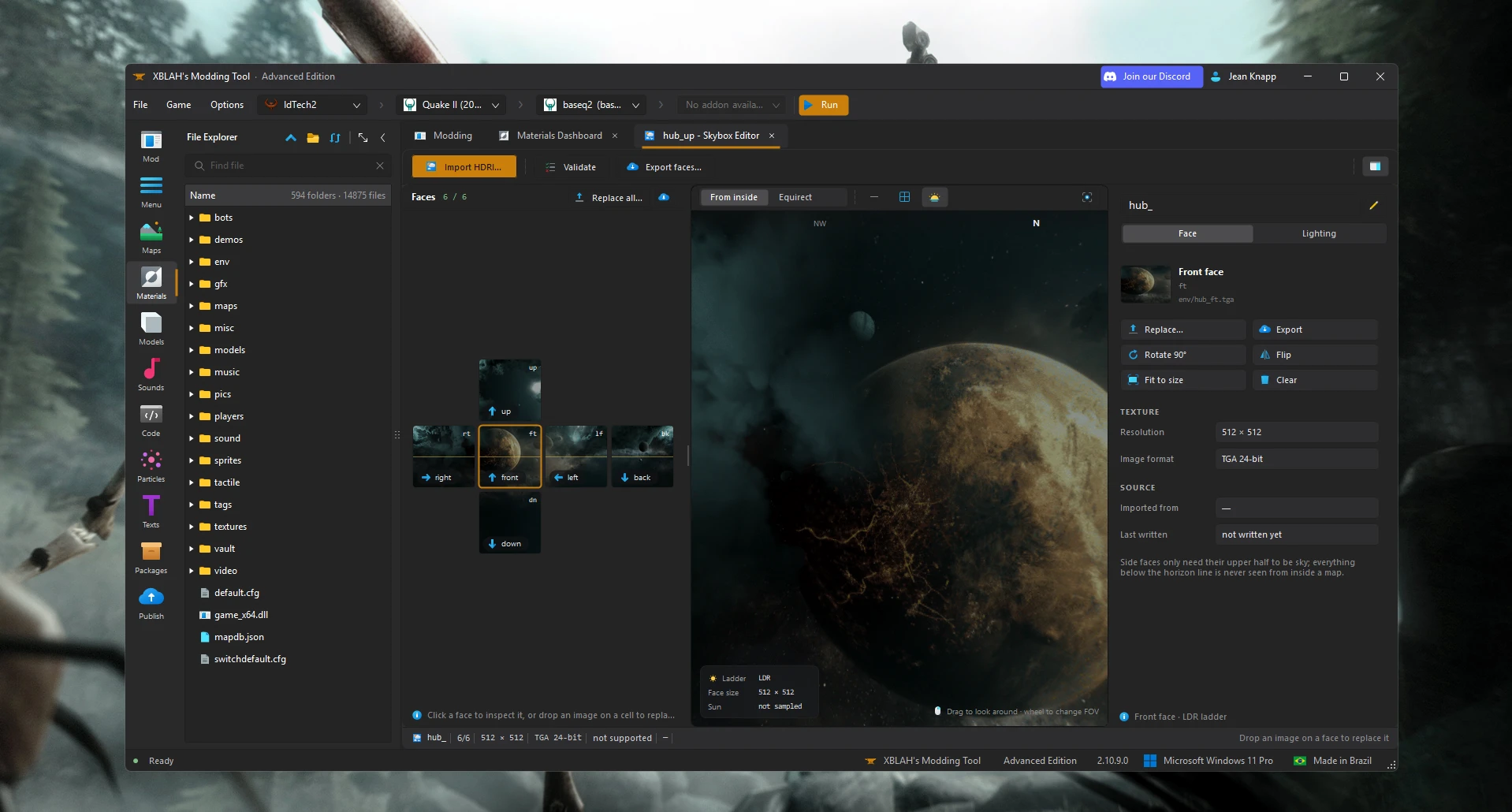
From one HDRI to a finished sky.
Cut the image into six faces in an image editor, convert each to VTF, write six VMTs.
Import one HDRI, look around the sky from inside, and get the sun and fog values for your map.
- LDR and HDR versions from the same faces
- Six-face cross with drag and drop
- Sun, ambient and fog colour sampled from the sky
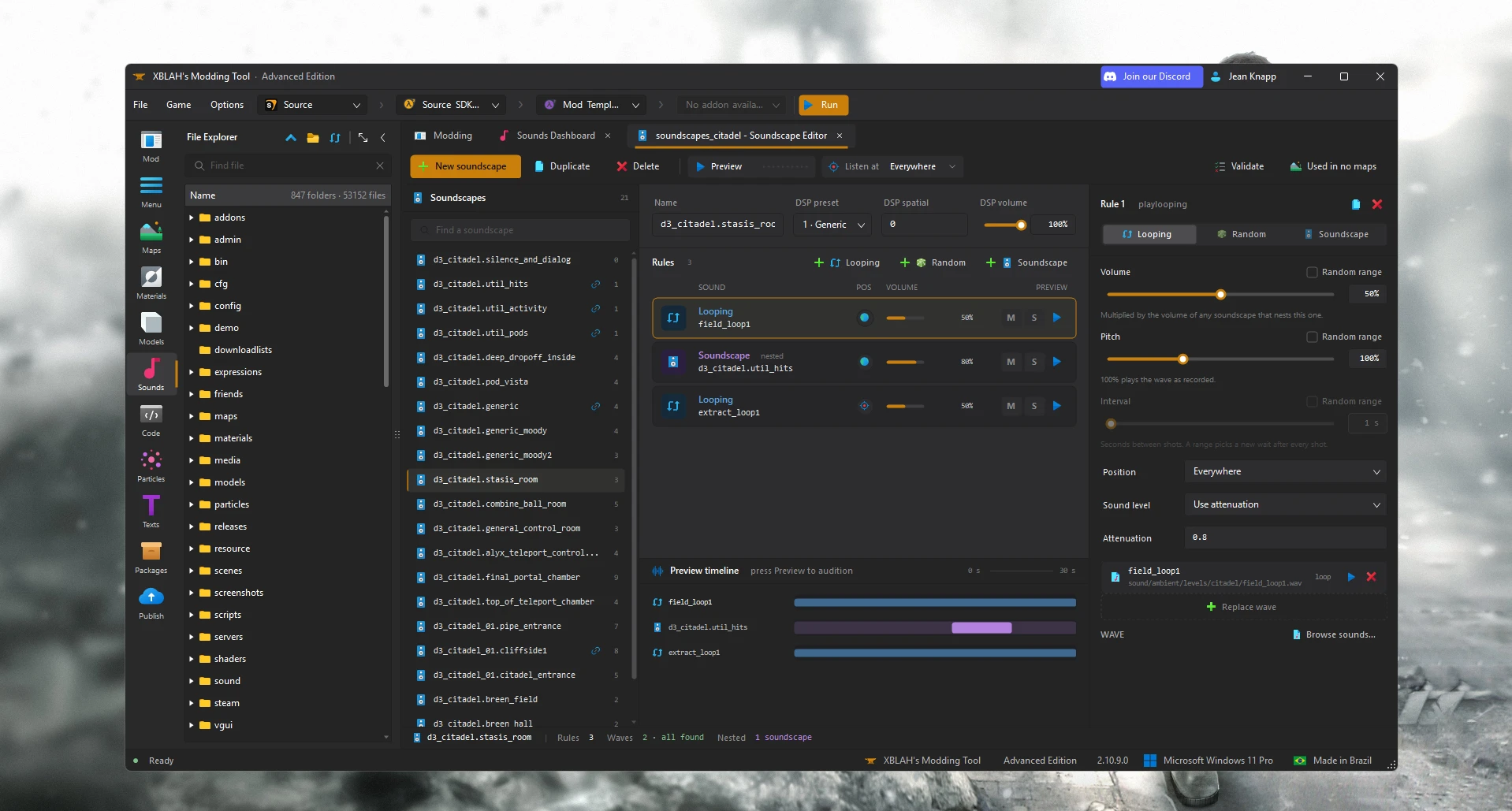
Hear the soundscape while you build it.
Edit soundscapes.txt by hand, then reload the map to listen.
Play the whole soundscape, mute or solo each rule, and watch a timeline of what plays when.
- Random volume and pitch ranges as sliders
- Listen from each position in the map
- Nested soundscapes followed and previewed
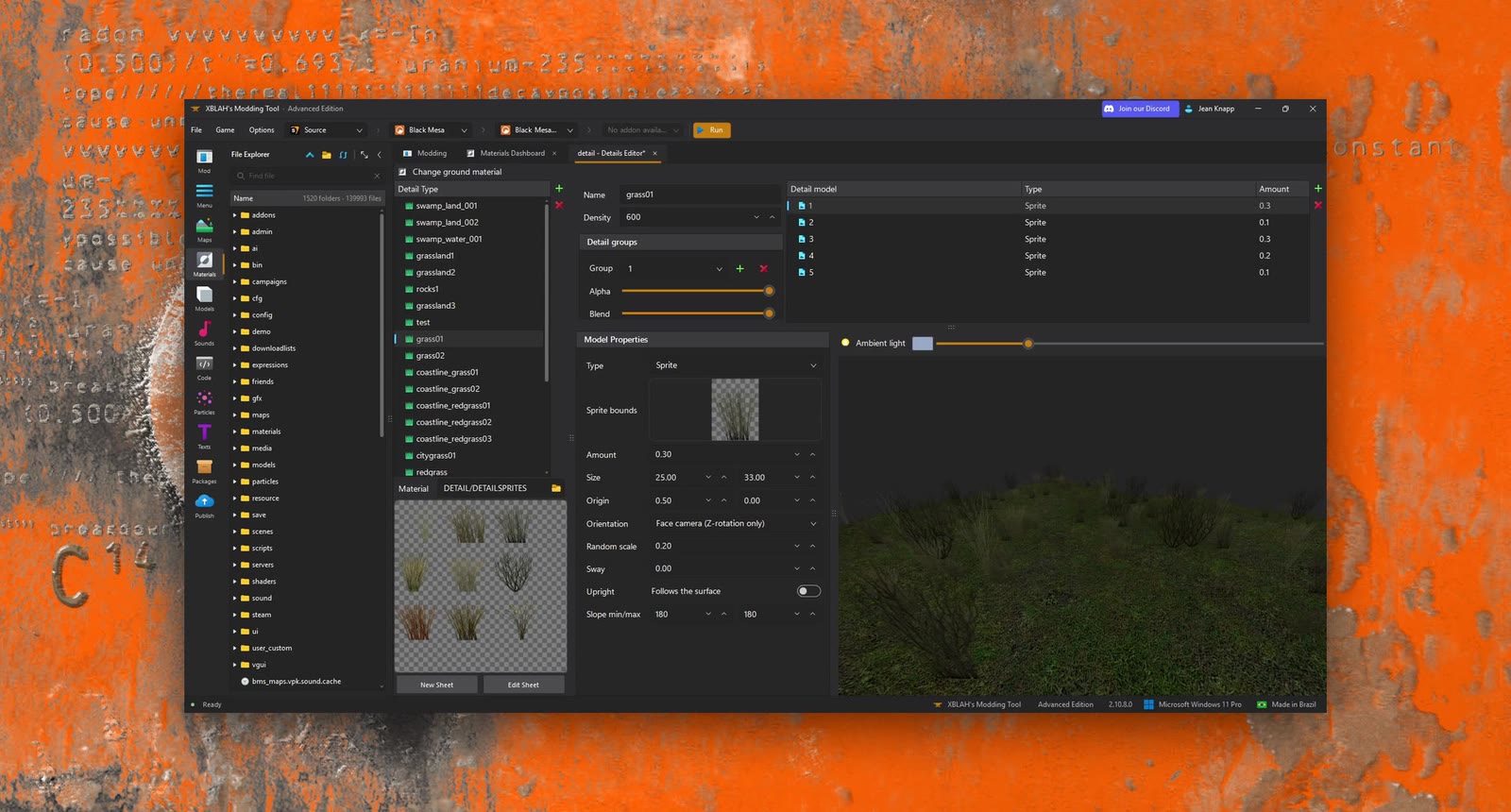
Grass and clutter you can see before you compile.
Write detail.vbsp by hand and recompile the map to check it.
Pick sprites from the sheet or use models, set density and sway, and preview the result.
- Pick sprites straight from the sheet
- Density and sway per detail type
- Live preview on a ground patch
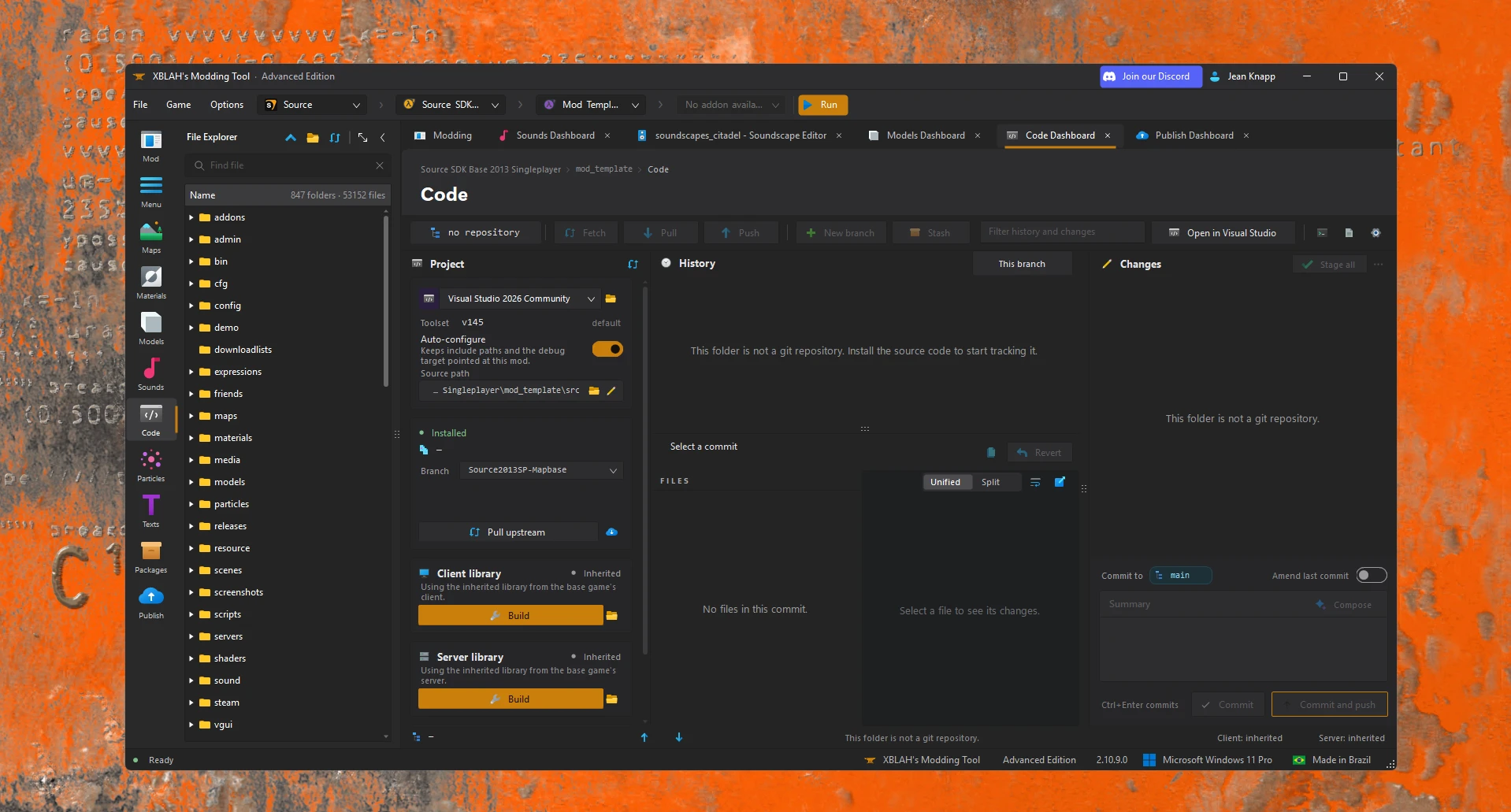
Your mod's code, with version control built in.
Install the SDK, set up Visual Studio, and run a separate git client.
Install the source, build client and server, then commit, branch and push from the same tab.
- Fork the official SDK to your own GitHub
- Pick which Visual Studio to build with
- History, diffs and staging like a git client
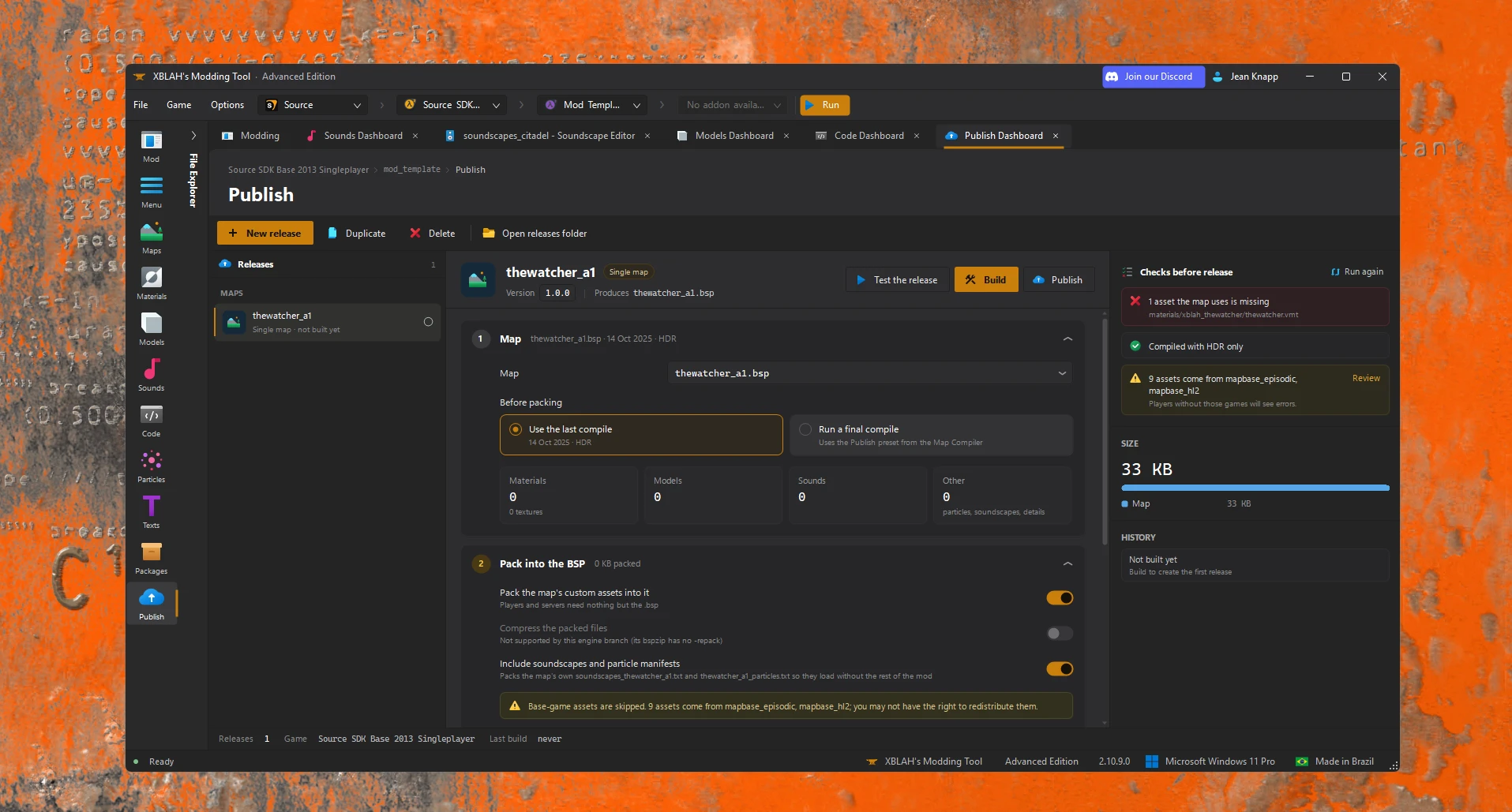
Ship a release without a checklist.
Copy files by hand, forget a material, zip it, upload, repeat.
Pack a map, a map pack or the whole mod into a clean release, check it, and upload it.
- Never touches your working mod folder
- Leaves out unused and source files
- Checks for missing assets and Linux file names
Seven years in the making.
In development since 2019. It started as a small Source launcher, grew into a dashboard for every part of a mod, and in 3.0 became a full IDE.
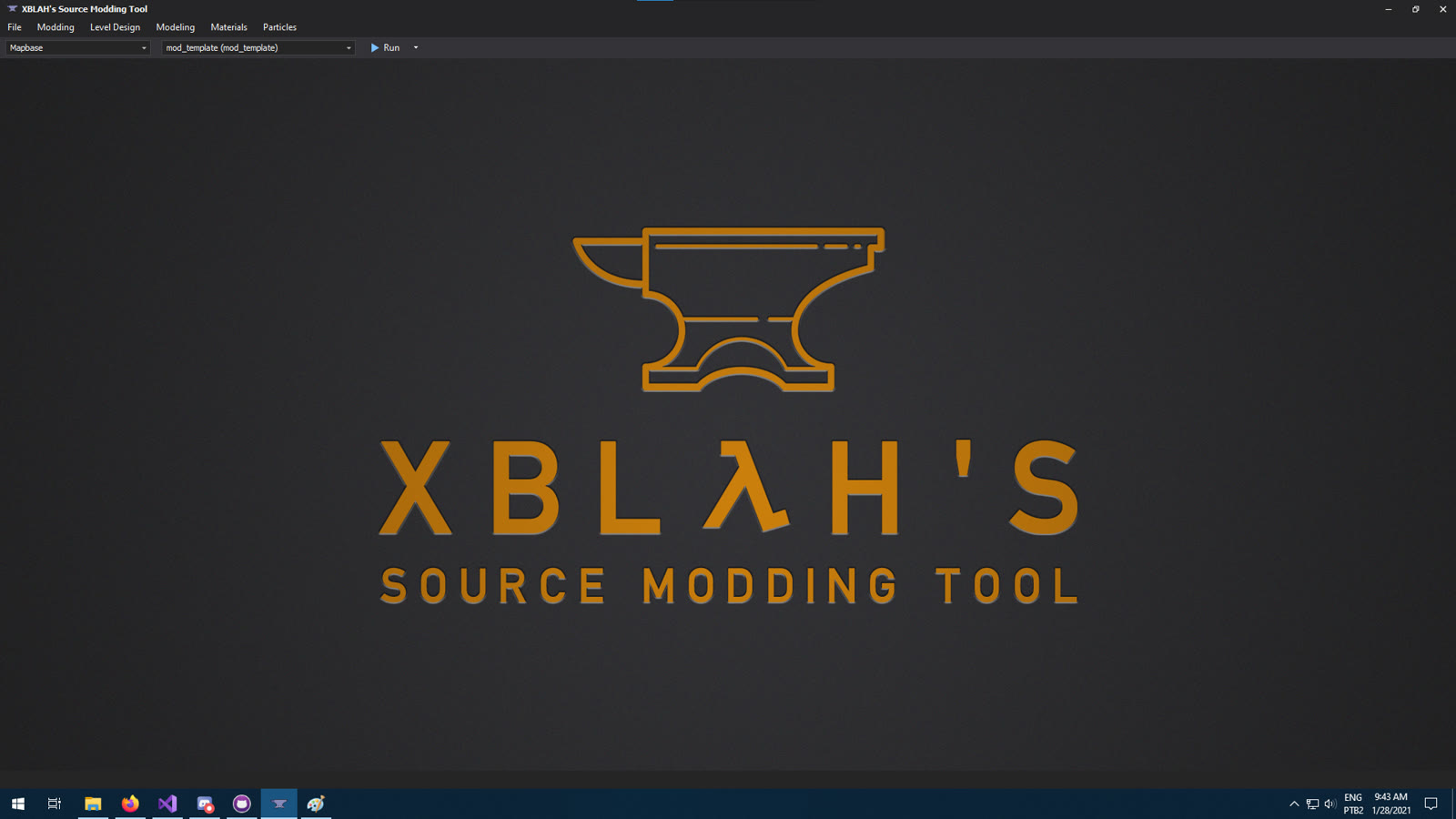
XBLAH's Source Modding Tool. A launcher with a menu bar for Source mods.
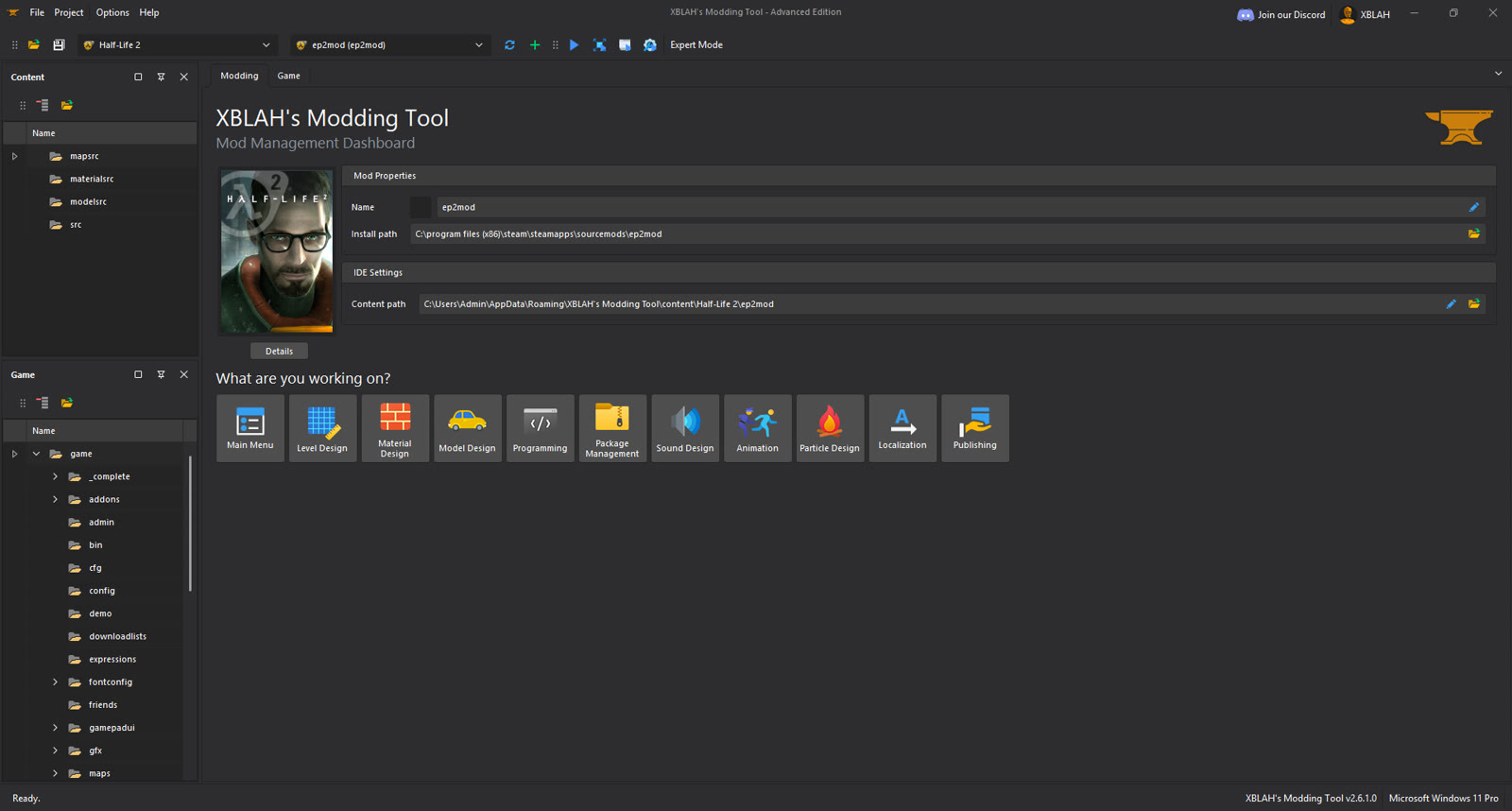
A mod management dashboard for GoldSrc and Source, with an editor per task.
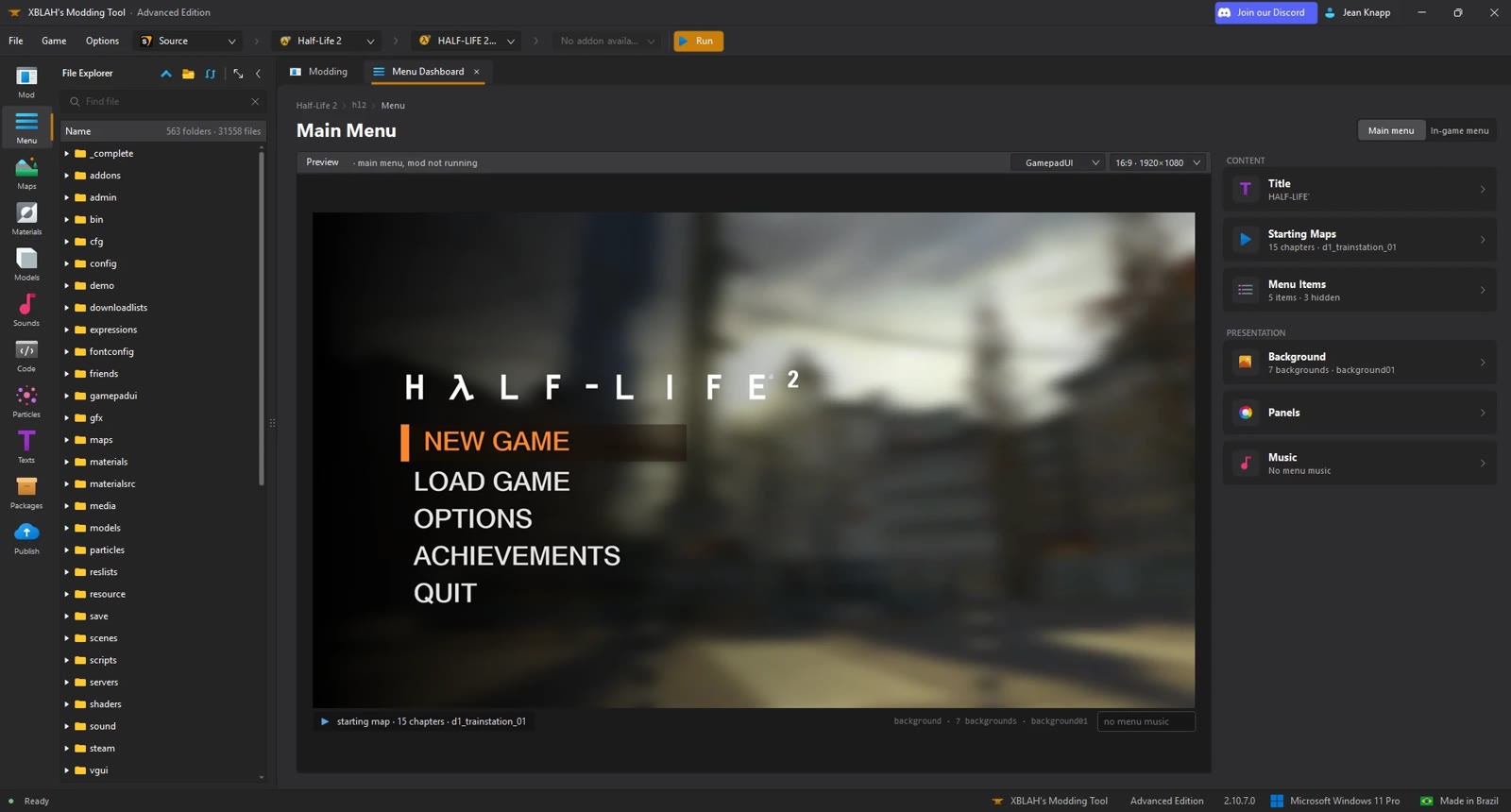
One IDE with its own map editor, plus every asset, code, packaging and publishing.
One tool for every part of the mod.
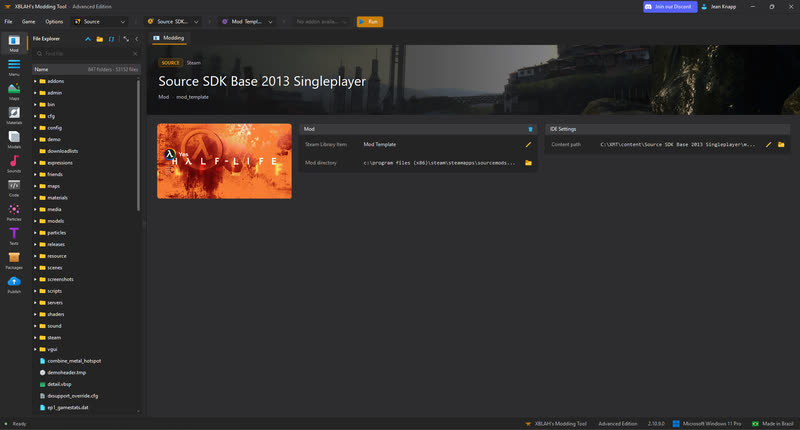

Mod
- Mod templates and setup (free)
- File explorer (free)
- Run and debug (free)
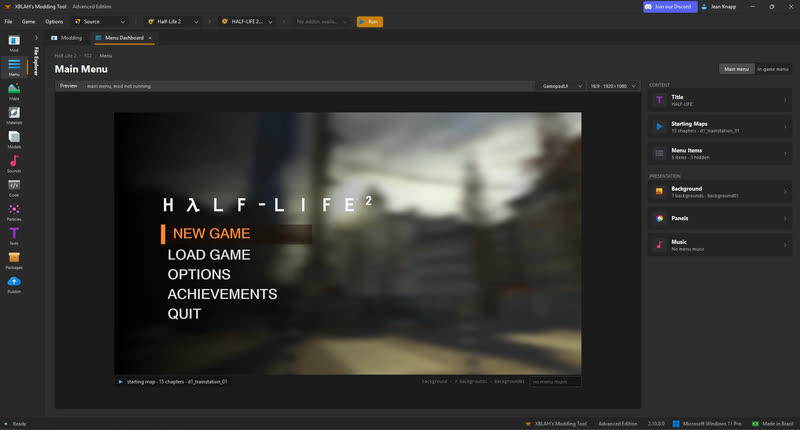

Menu
- Title and icon (free)
- Menu items and background (free)
- Chapters (free)
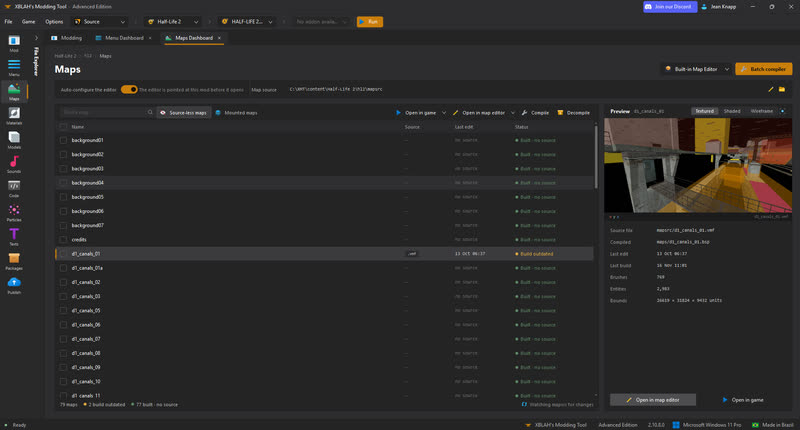

Maps
- Map editor (free)
- Map compiler (free)
- Detail props (Advanced)
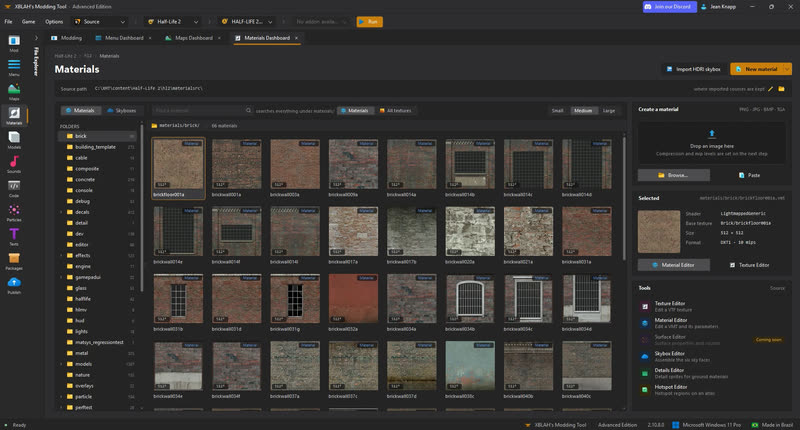

Materials
- Materials and textures (free)
- Skybox editor (Advanced)
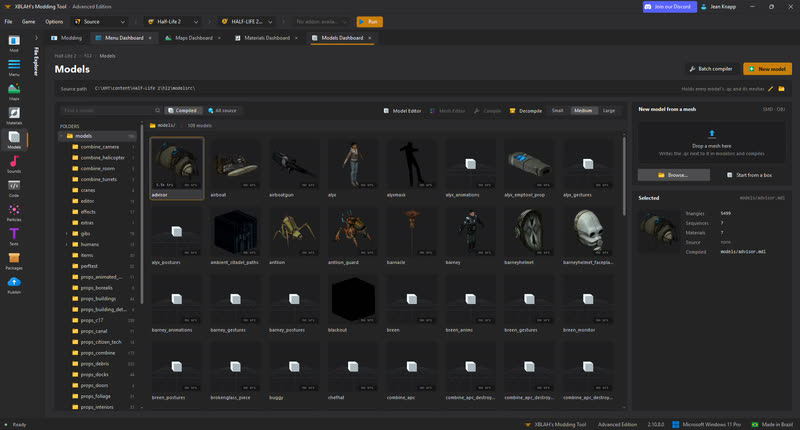

Models
- Model browser (free)
- Model editor (Advanced)
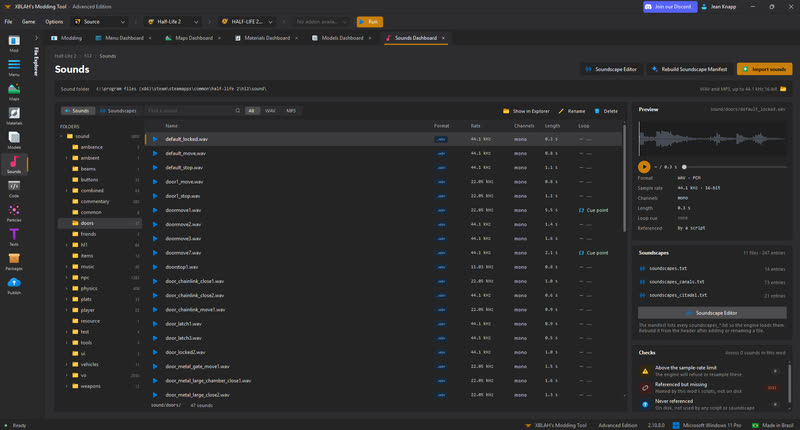

Sound
- Sound browser (free)
- Soundscape editor (Advanced)
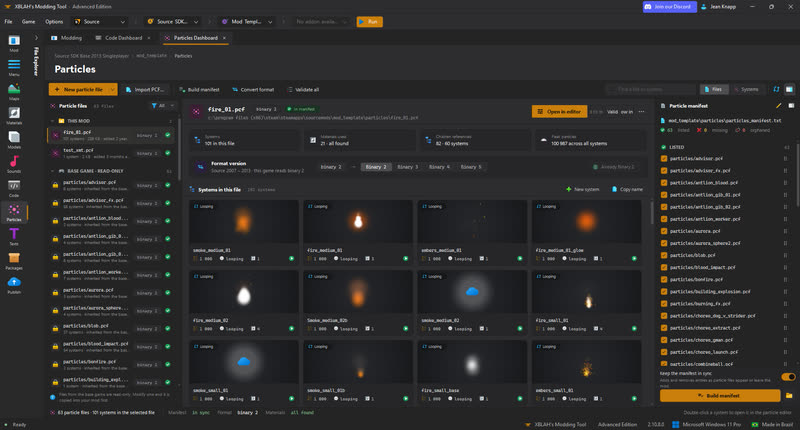

Particles
- Particle files and manifest (Advanced)
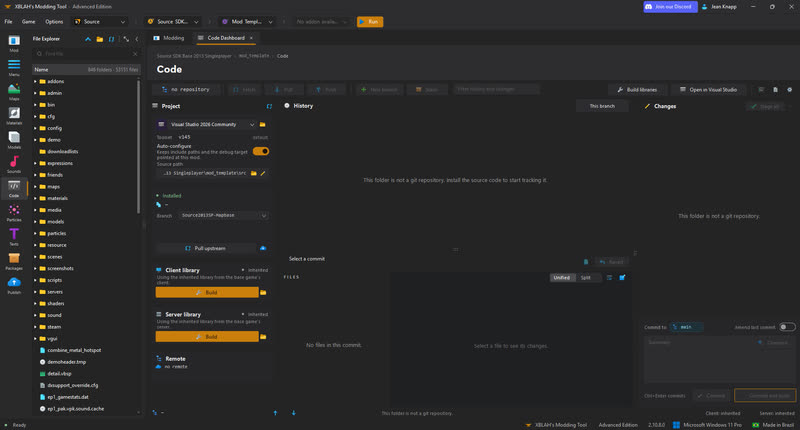

Code
- Code and git (Advanced)
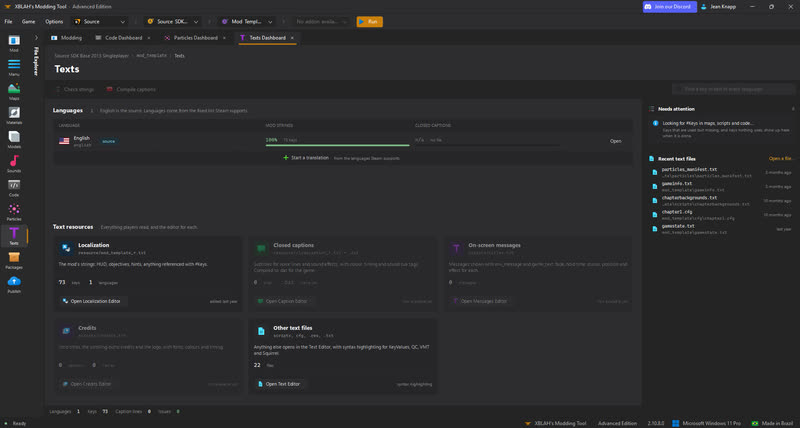

Texts
- Localization (free)
- Text editor (free)
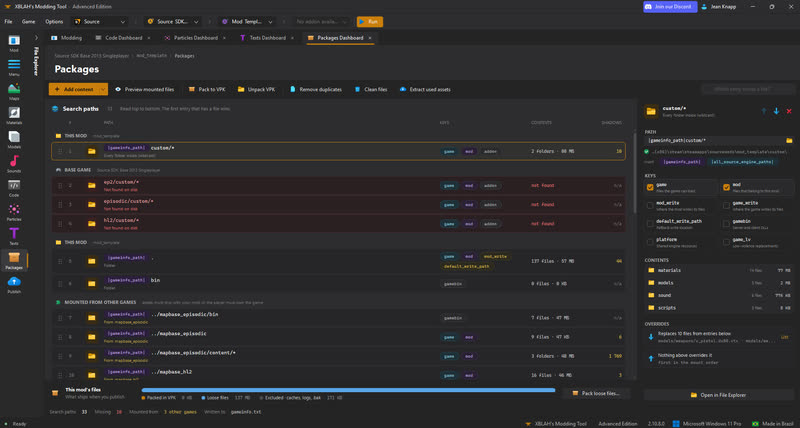

Packaging
- Search paths and mounting (free)
- Pack and unpack VPKs (free)
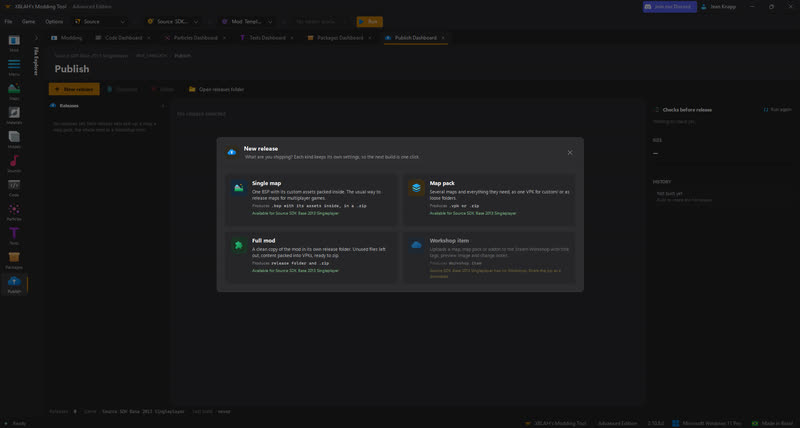

Publishing
- Releases and Workshop upload (Advanced)
Start free. Upgrade when the mod needs it.
Everything you need to make and ship a mod. No account required.
- Map editor and compiler
- Menu, chapters and mod setup
- Materials, models and sound browsers
- Texts, packaging and VPKs
Supporter
- Updates while subscribed
- Support channel on Discord
Enthusiast
- Early access builds
- Enthusiast role on Discord
- Everything in Supporter
VIP
- VIP role on Discord
- Feature requests
- VIP Club on Discord
- Everything in Enthusiast
Every plan unlocks the whole Advanced Edition. Cancel any time. You keep editing your mod with Essentials.
- Model editor
- Particles
- Skybox editor
- Soundscape editor
- Detail props
- Code and git
- Publish
Have a promo code? Use it here.
Questions
Does it replace Hammer?
Yes. The map editor replaces Hammer, with real-time lighting rendered in Vulkan for every supported engine, so you see your lights while you build instead of after a compile.
Is the free version really free?
Yes. Essentials has no time limit and no account requirement, and it includes the map editor and compiler. Advanced adds editors on top; nothing in Essentials gets taken away.
Can I use it for a commercial mod or game?
Yes. What you make with the tool is yours. Check the license of the engine and any base-game assets you ship; the Publish checks flag assets you may not be allowed to redistribute.
Does it run on Linux?
Yes. There is a native Linux version, an x64 AppImage that updates itself like the Windows one. It works with the Linux versions of your Steam games. The engines' map compilers are Windows programs, so compiling maps on Linux needs Wine installed.
What happens if I stop paying for Advanced?
Your mod and its files stay yours, and you can keep editing it with the Essentials Edition. The Advanced editors stop working until you subscribe again.