
Change the menu plaque
Written for version 3.0. Some labels may have changed since.
This page has versions for
Quake II has no title text: next to the menu it shows a tall plaque with the game's name and the id logo under it. Both are pictures in your mod, pics/m_main_plaque.pcx and pics/m_main_logo.pcx, and the Title editor replaces them for you.
1. Open the Title editor
Open the Menu dashboard and click the Title card. The editor shows the Plaque and the id logo.
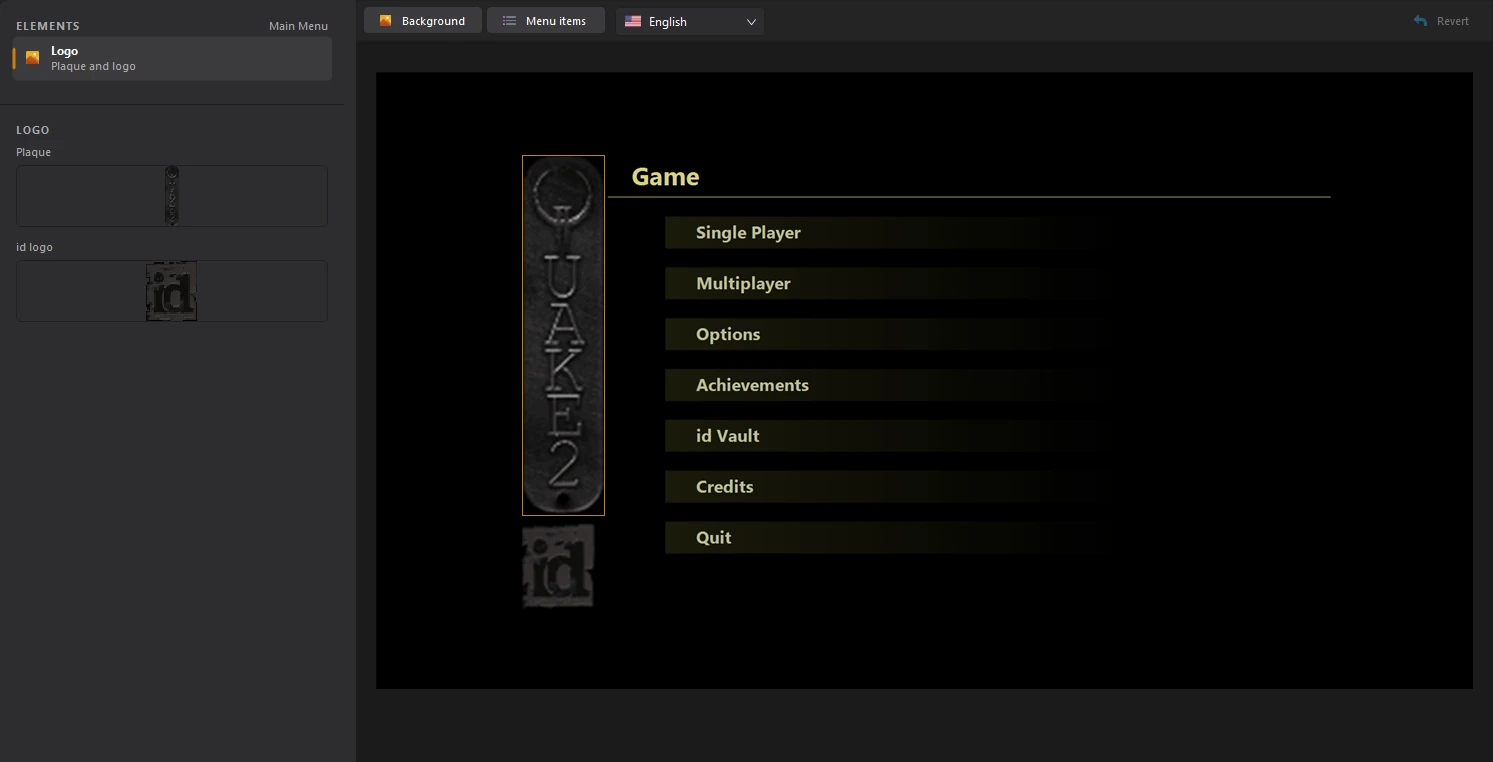
2. Import your plaque
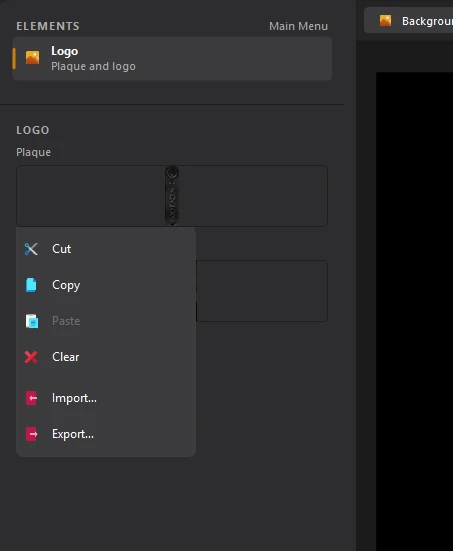
Click the Plaque box and choose Import.... Pick a picture of your plaque: a tall, narrow image, like the original 38×166.
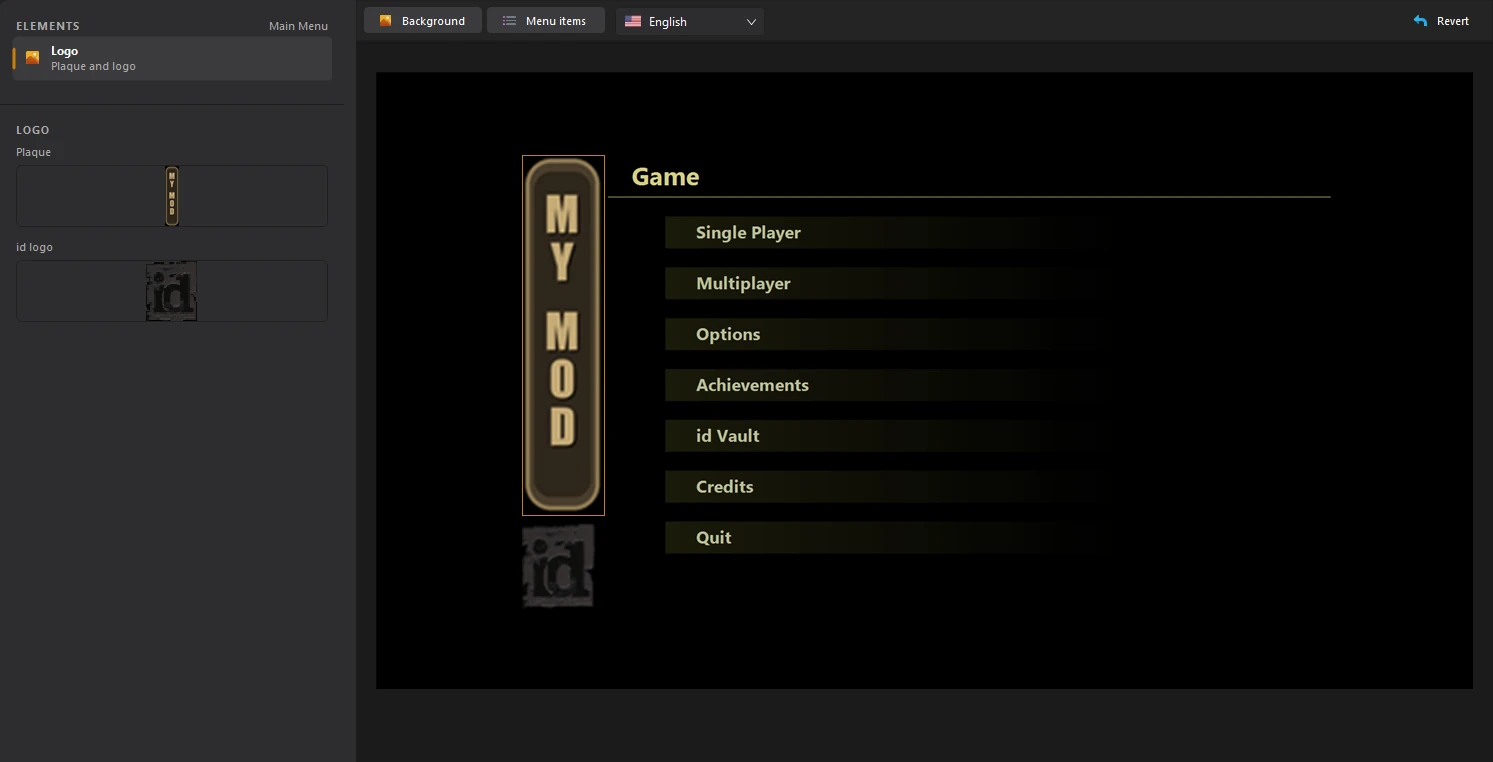
The preview shows the menu with your plaque. Do the same with the id logo box to replace the logo under it.
Quake II pictures use the game's 256-colour palette. The tool converts your picture to it when you save, so the colours can shift a little.
The plaque and logo come with the Advanced Edition. The Essentials Edition shows them with a padlock.
3. Save the title
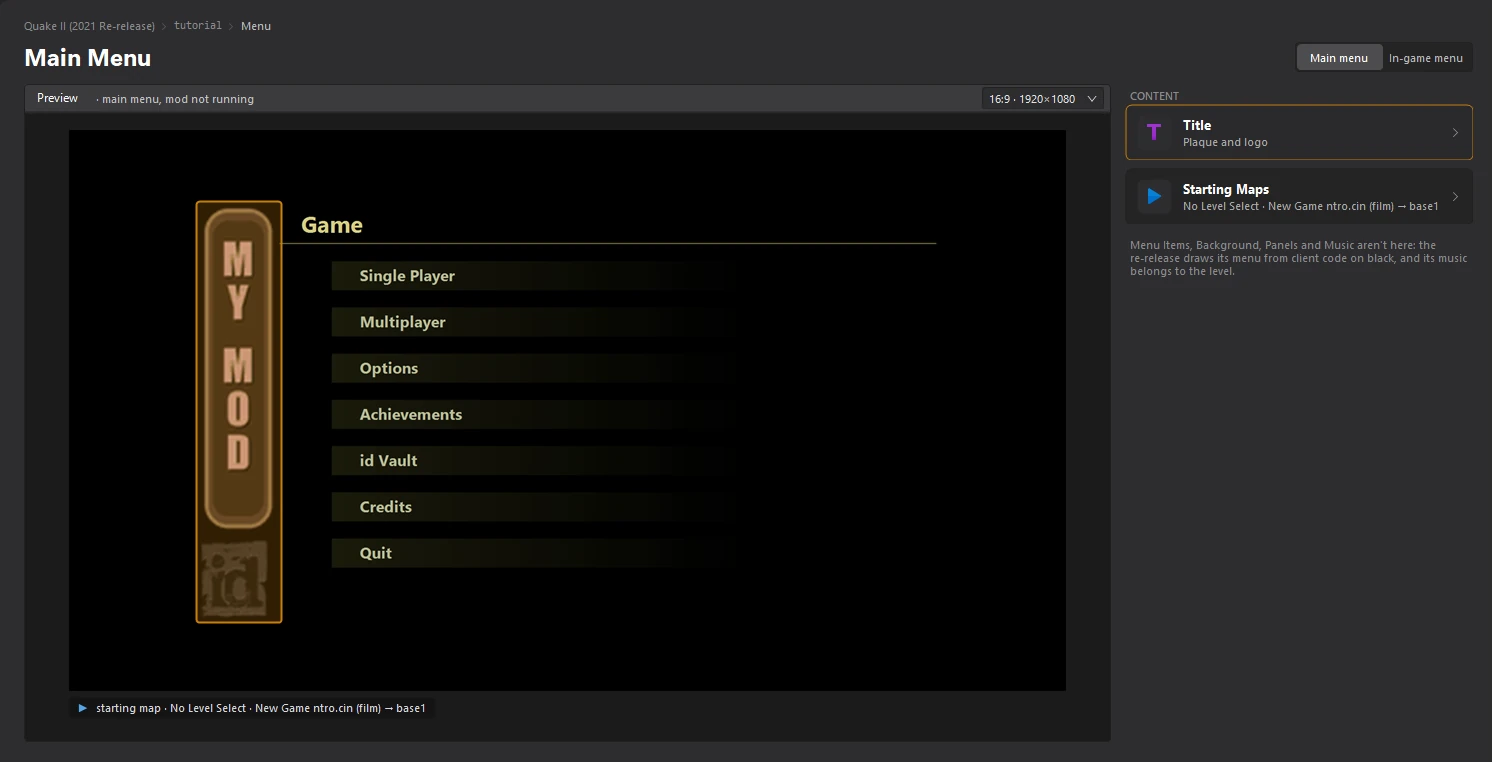
Click File > Save or press Ctrl+S. Back on the Menu dashboard, the preview shows your plaque.
Was this page helpful?Thanks for letting us know.