Set up Level Select and New Game
Written for version 3.0. Some labels may have changed since.
The Quake II re-release starts a game from two places. Level Select lists units read from mapdb.json, and New Game runs the newgame console alias. The Starting Maps editor edits the first, and its New game sequence button opens the second.
1. Open the Starting Maps editor
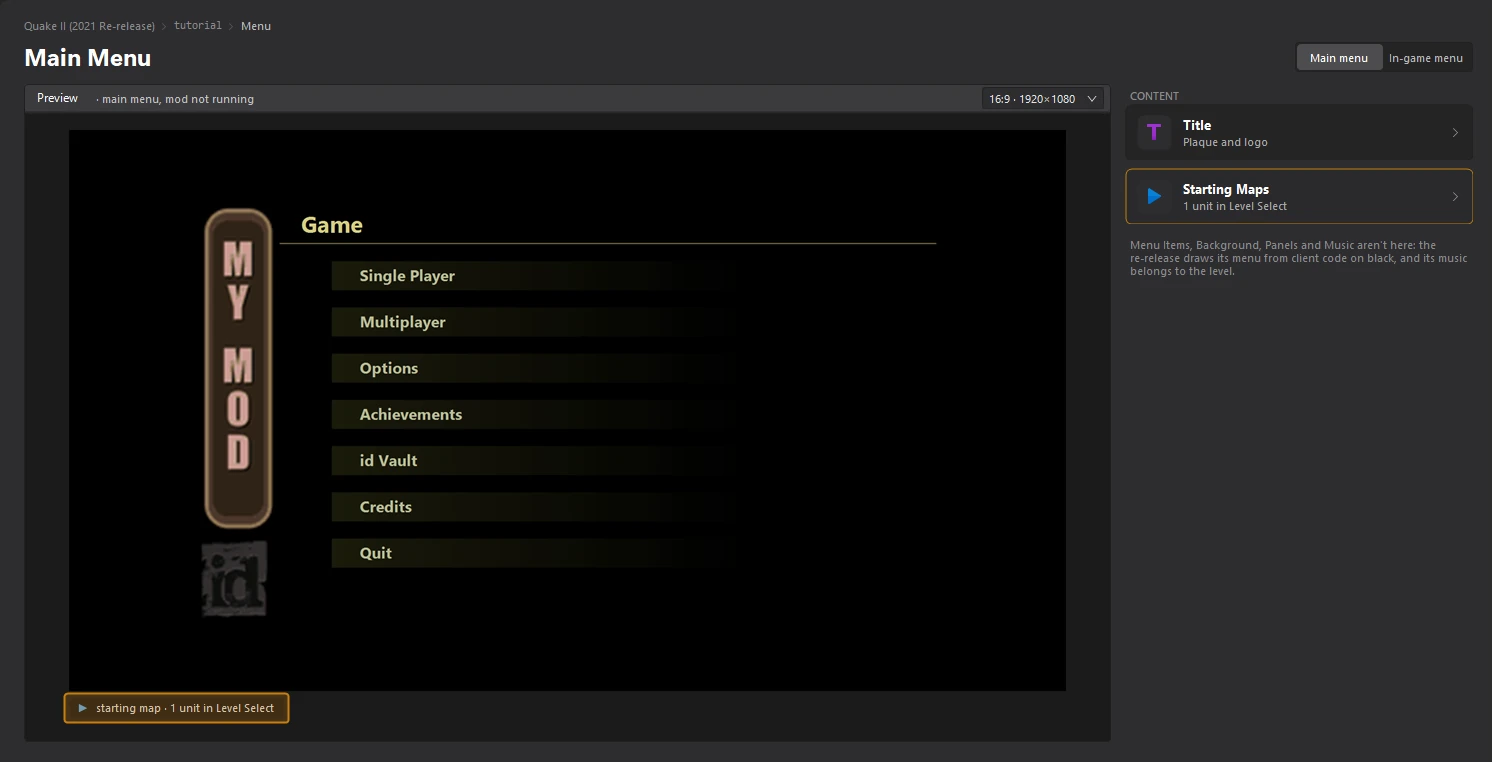
Open the Menu dashboard and click the Starting Maps card. The units of your Level Select are listed on the left, under CHAPTERS.
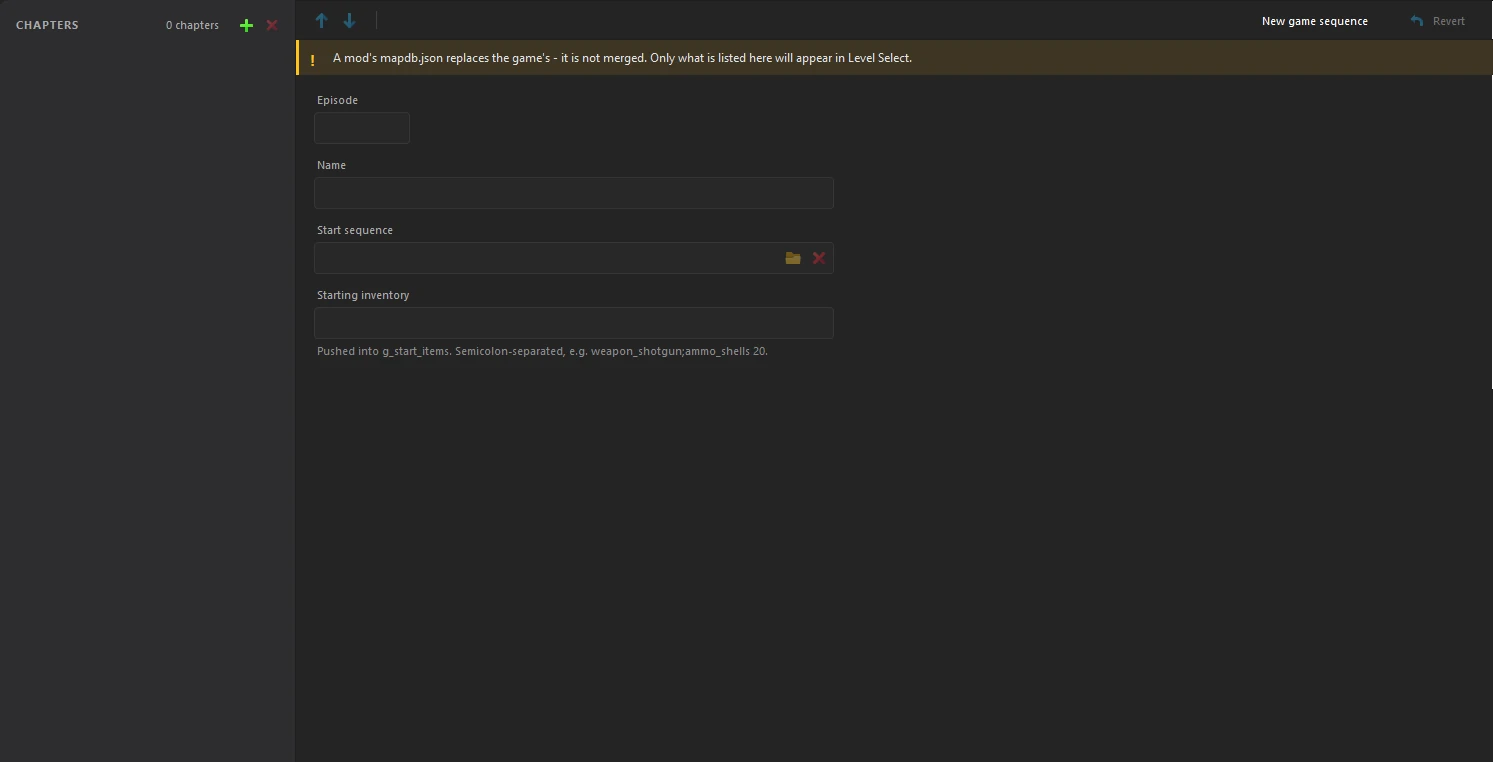
mapdb.json replaces the game's, it is not merged. Only the units listed here appear in Level Select, so add every one you want, the game's included.2. Add a unit
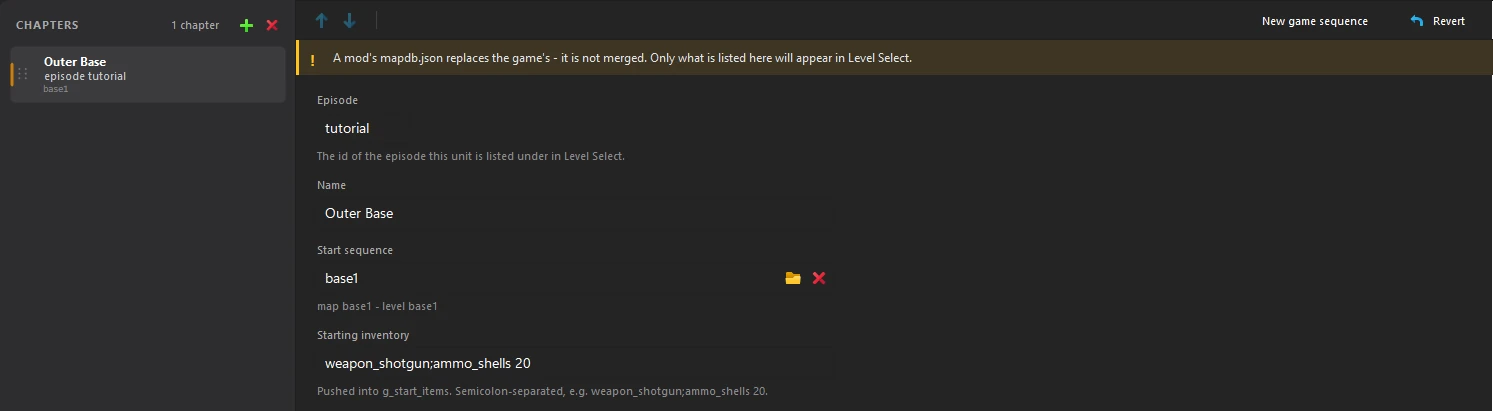
Click the + button next to CHAPTERS, then fill in the unit:
| Episode | The id of the episode the unit is listed under in Level Select. |
|---|---|
| Name | The name Level Select shows. |
| Start sequence | What the unit plays, in the map command's format: stages joined by +, and * to end a unit. Click the folder button to pick a map. |
| Starting inventory | The items the player starts with, separated by semicolons, like weapon_shotgun;ammo_shells 20. Leave it empty to start with the map's own pickups only. |
3. Choose what New Game plays
Click New game sequence at the top right. It opens the New Game Sequence editor, with one card per stage: the Intro Film, the First Level, and the level a Dedicated Start server loads. Click a card, then click a map in Loadable maps on the right.
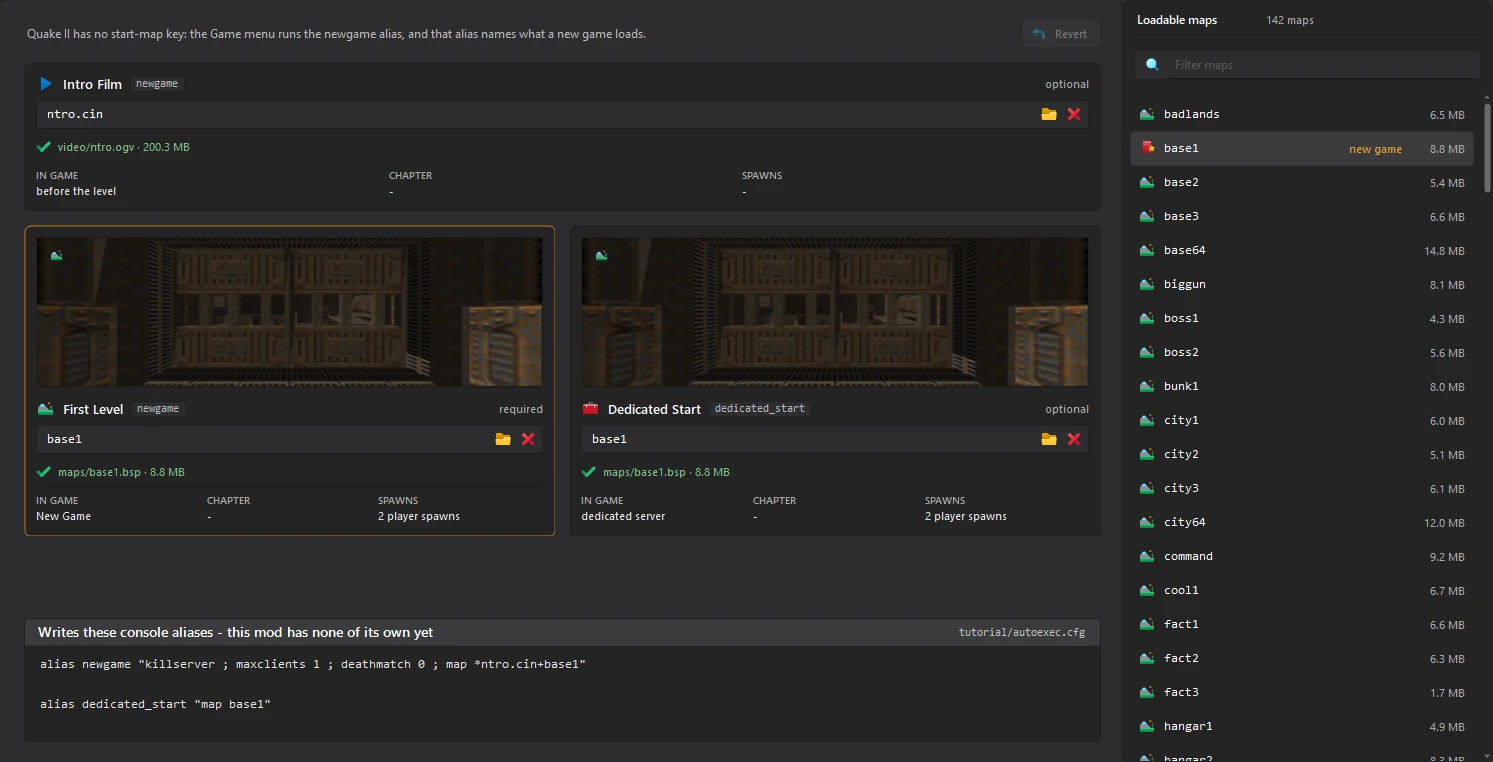
The block at the bottom shows the console aliases the tool writes to your mod's autoexec.cfg.
default.cfg: a mod's copy replaces the game's, and would throw away every default key binding.4. Save
Click File > Save or press Ctrl+S in each editor. The Starting Maps card on the Menu dashboard shows how many units your Level Select lists.