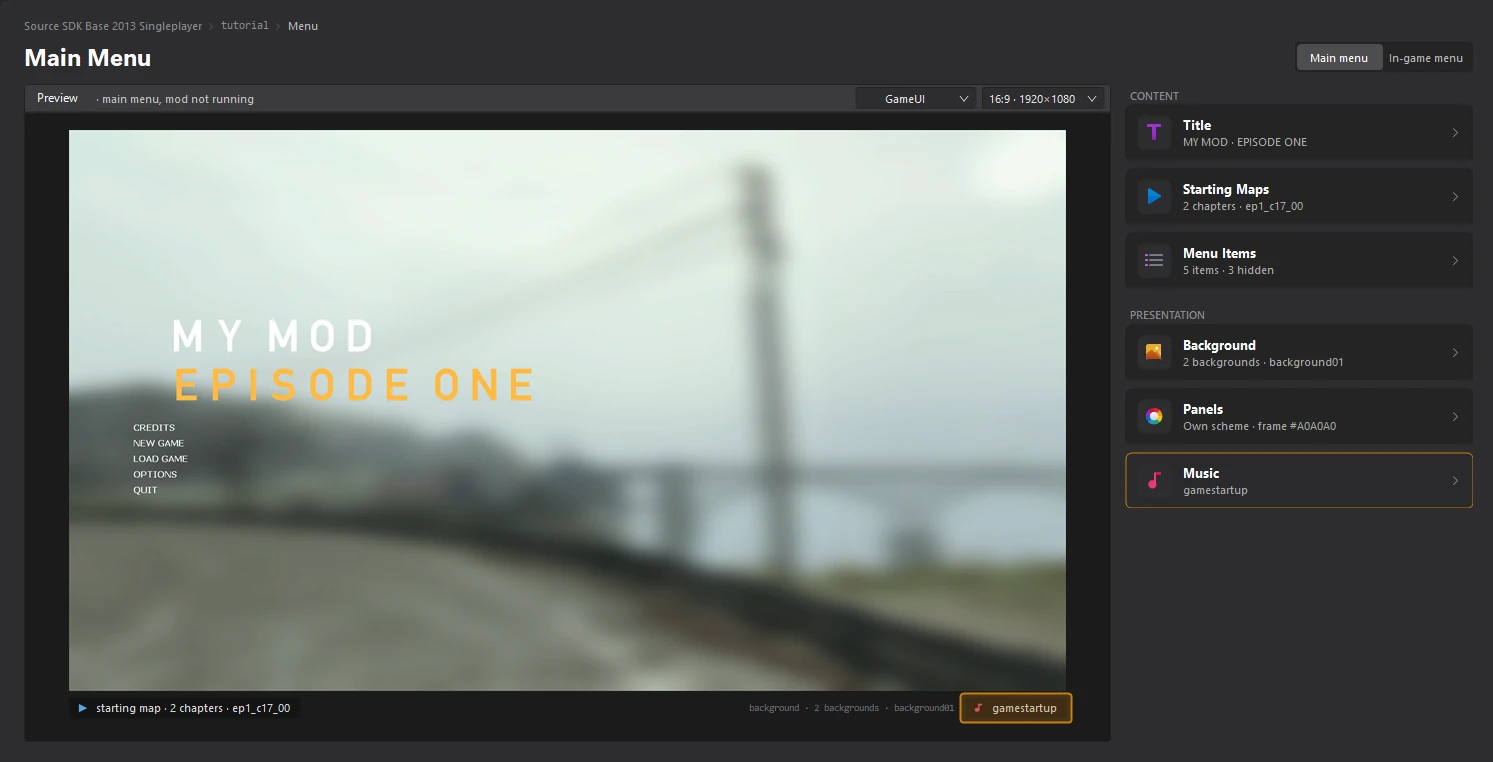
Add menu music
Written for version 3.0. Some labels may have changed since.
On this page
The main menu can play music when it opens. A new mod plays none. In the Music editor you pick a track, listen to it, and the tool saves it in the format and place the game expects.
1. Open the Music editor
Open the Menu dashboard and click the Music card.
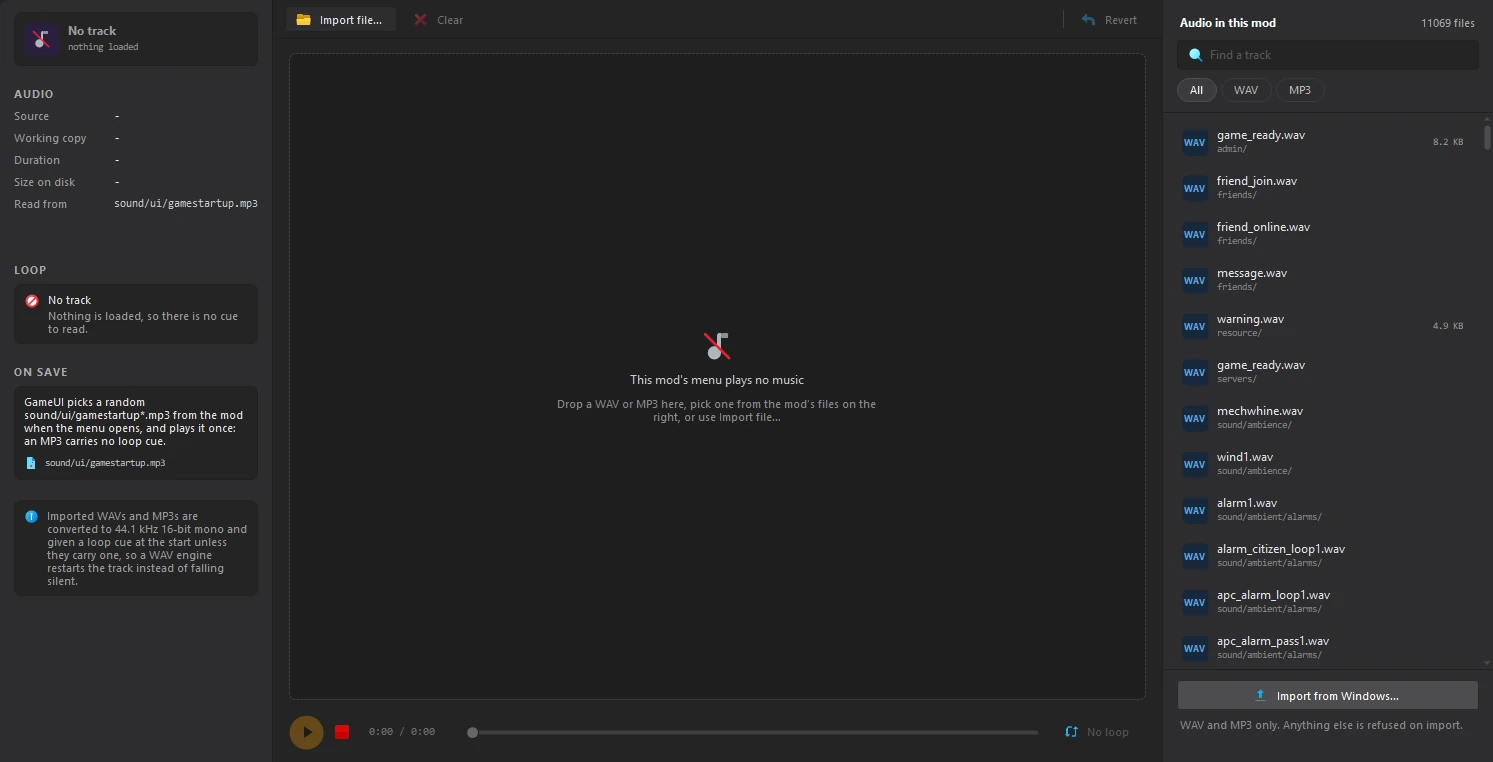
Audio in this mod, on the right, lists every WAV and MP3 your mod can use, including the game's.
2. Pick a track
Type in Find a track to search the list, and use All, WAV and MP3 to filter it. Click a track to load it.
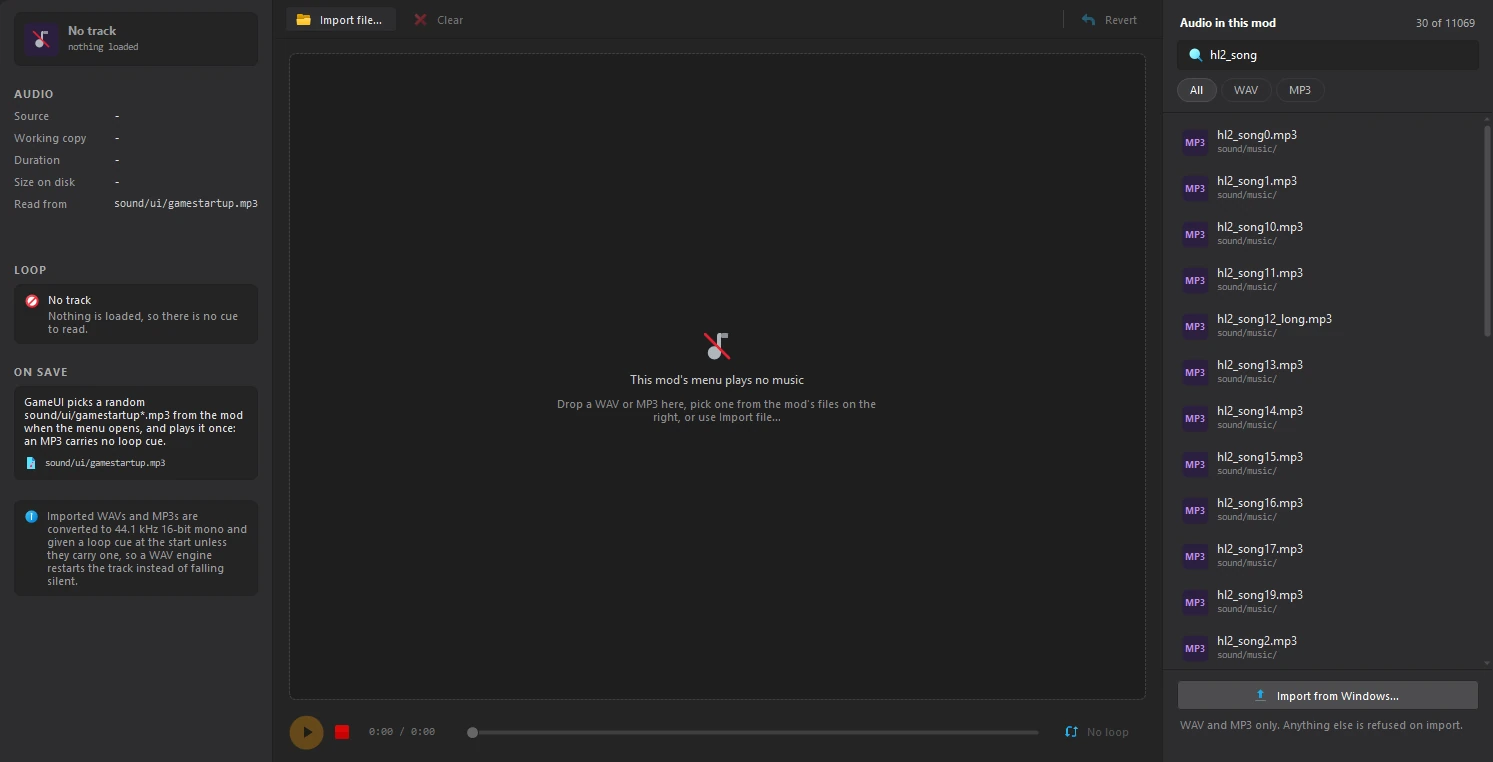
To use a file from your computer instead, click Import from Windows... under the list, or Import file... above the waveform, or drop the file on the waveform.
3. Listen to it
The waveform shows the track. Click the play button under it to listen, and click the waveform to move the playhead. AUDIO, on the left, shows the file's format, length and size.
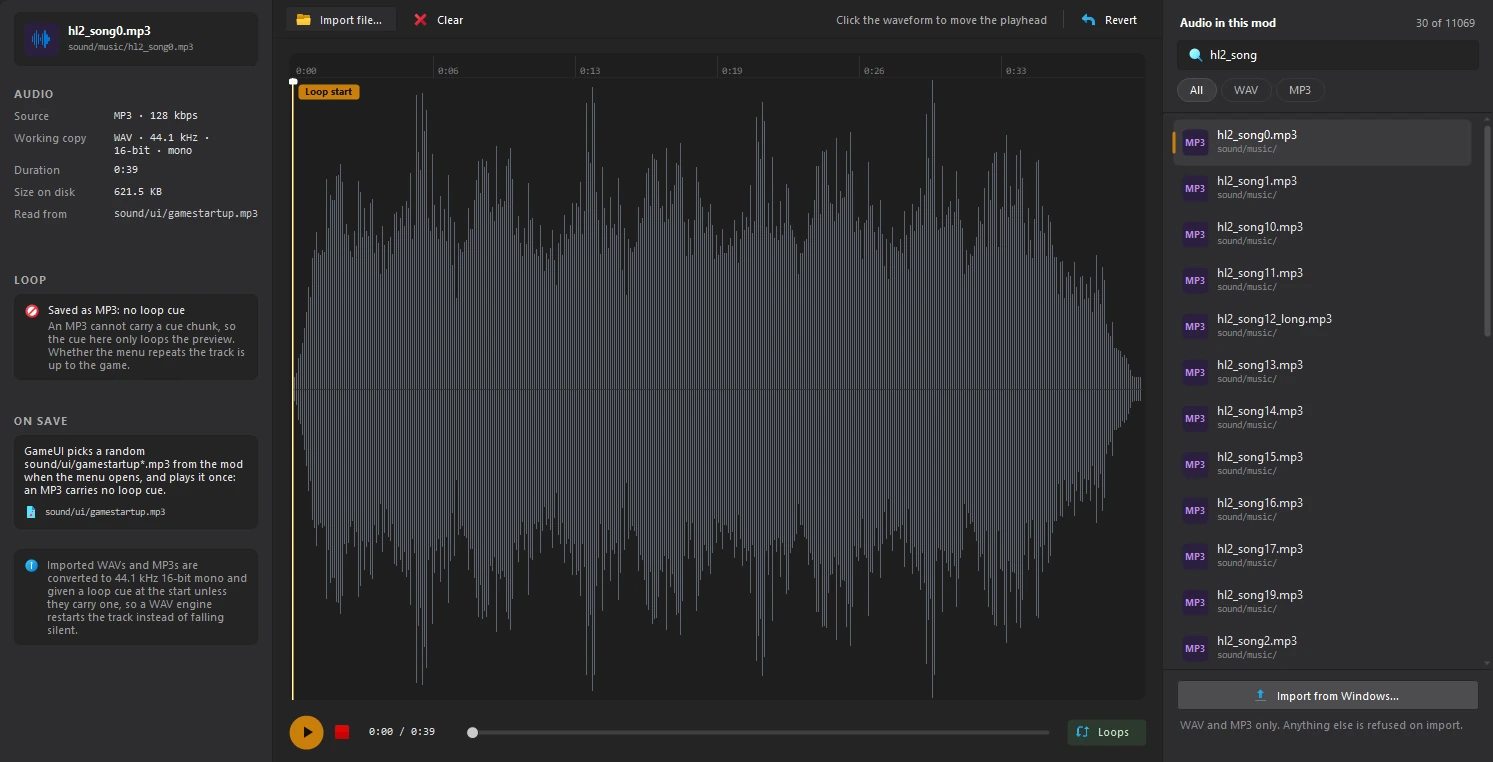
sound/ui/gamestartup*.mp3 from your mod when the menu opens. An MP3 cannot carry a loop cue, so the Loop start marker only loops the preview here. ON SAVE says where the track goes.4. Save
Click File > Save or press Ctrl+S. The tool writes the track to sound/ui/gamestartup.mp3, and the Music card on the Menu dashboard names it.