Theme the menu panels
Written for version 3.0. Some labels may have changed since.
On this page
The panels are the dialogs your menu opens: Options, New Game, Load Game and the rest. Their colours, fonts and borders come from your mod's scheme, which a new mod inherits from its base game. In the Panels editor you change them widget by widget, on a sample dialog that holds every kind of widget.
1. Open the Panels editor
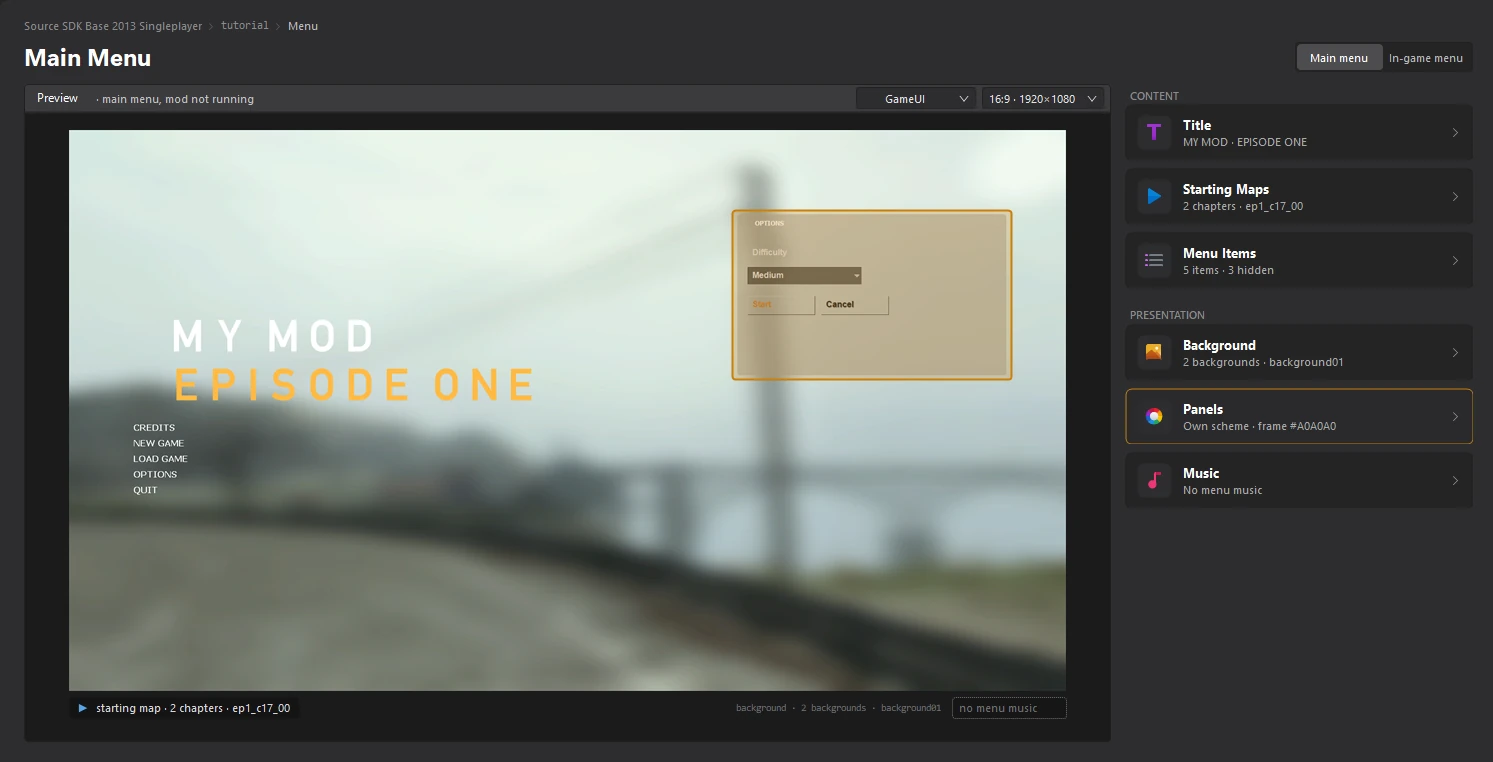
Open the Menu dashboard and click the Panels card. Pointing at the card shows a sample dialog over the menu preview.
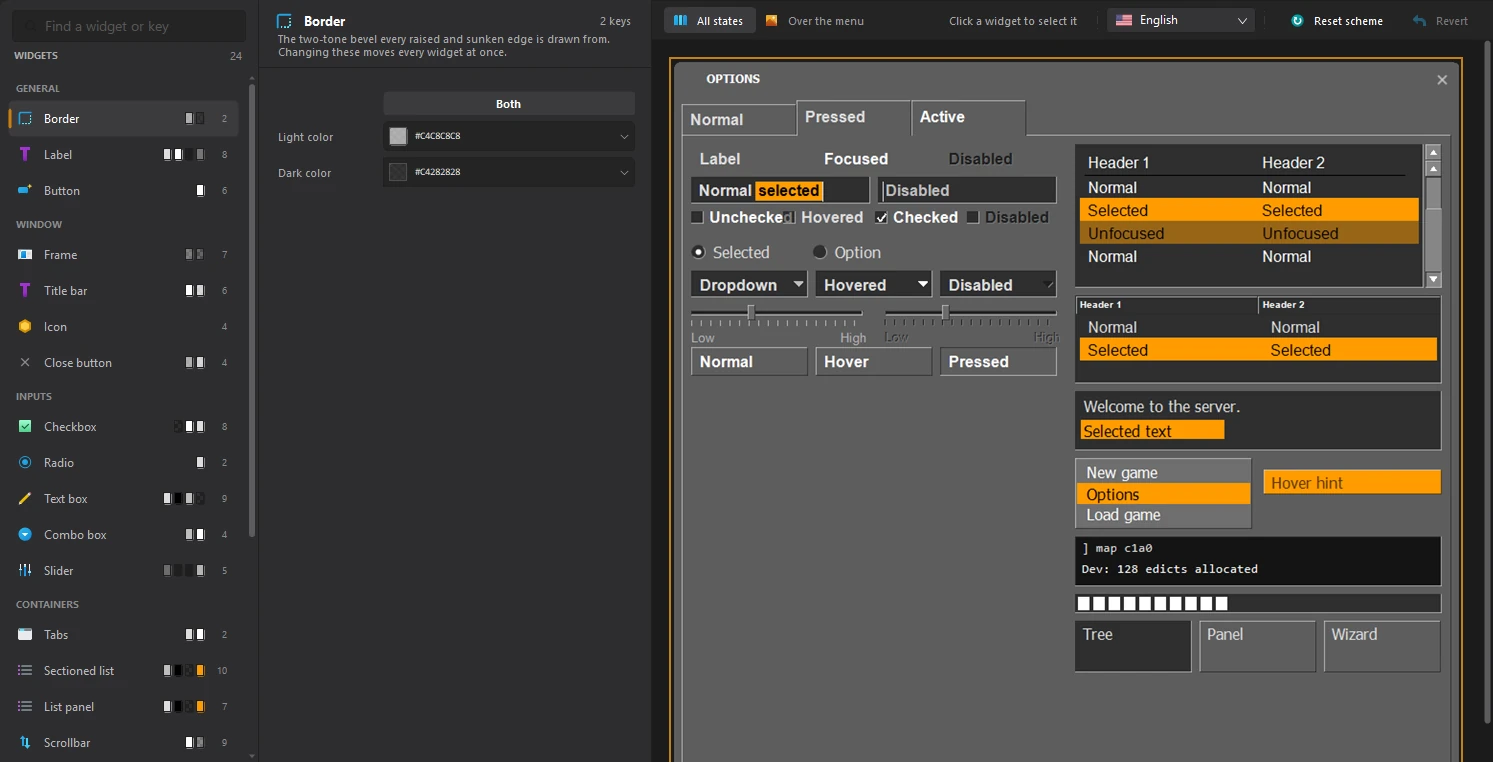
On the left, WIDGETS lists every kind of widget, grouped in GENERAL, WINDOW, INPUTS and CONTAINERS. The swatches on each row are its current colours. In the middle are the settings of the selected widget, and on the right the sample dialog.
2. Pick a widget
Click a widget in the list, or click it in the sample dialog. The line under its name says what it is and what is special about it.
Type in Find a widget or key to search. It also finds a widget by the name of a key in the scheme file, if you know one.
3. Change it
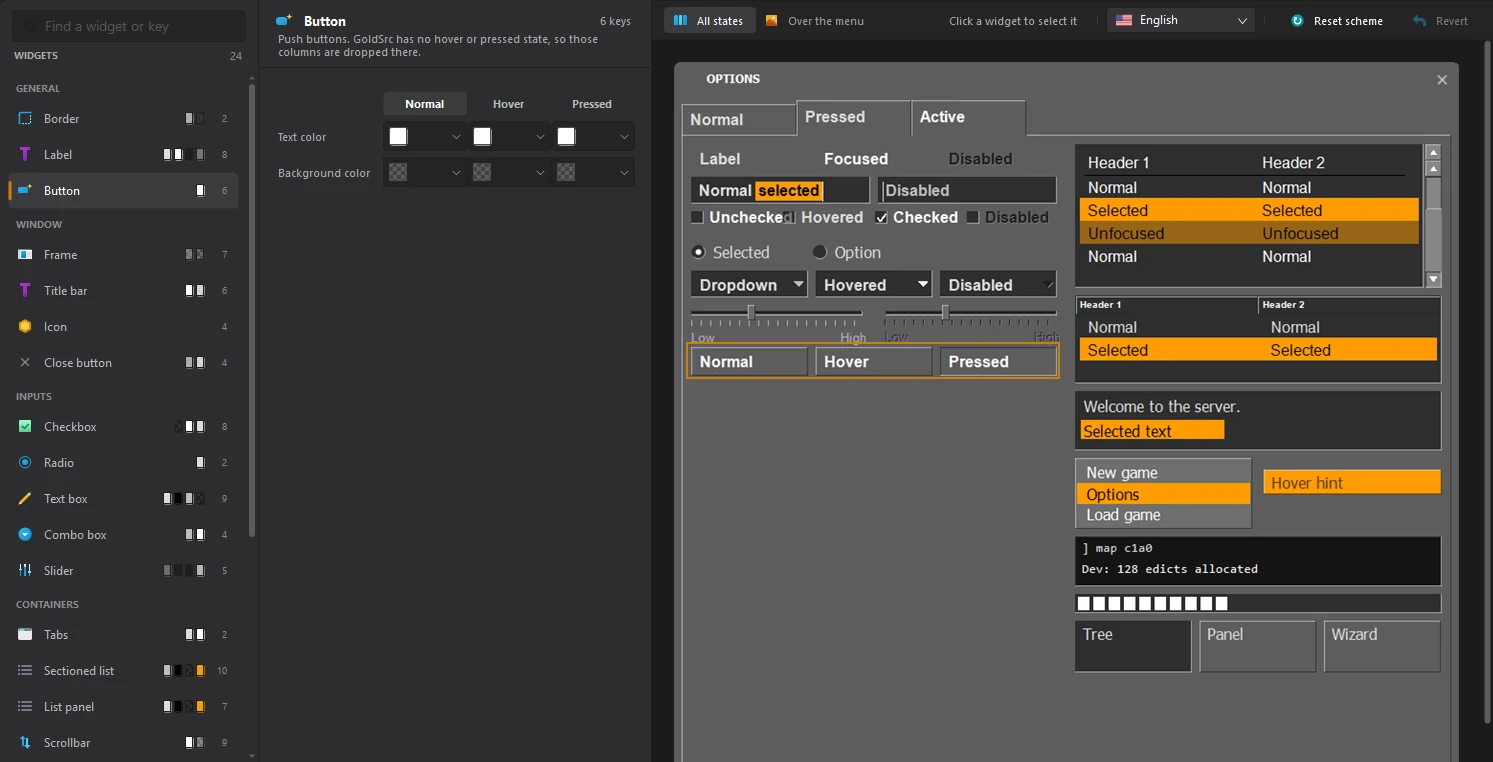
Click a colour to change it, or edit a font or a size. Most widgets have a column per state, like Normal, Hover and Pressed. Click a state's name above its column to draw the sample in that state, or turn on All states above the preview to see every state at once. The sample dialog shows every change straight away.
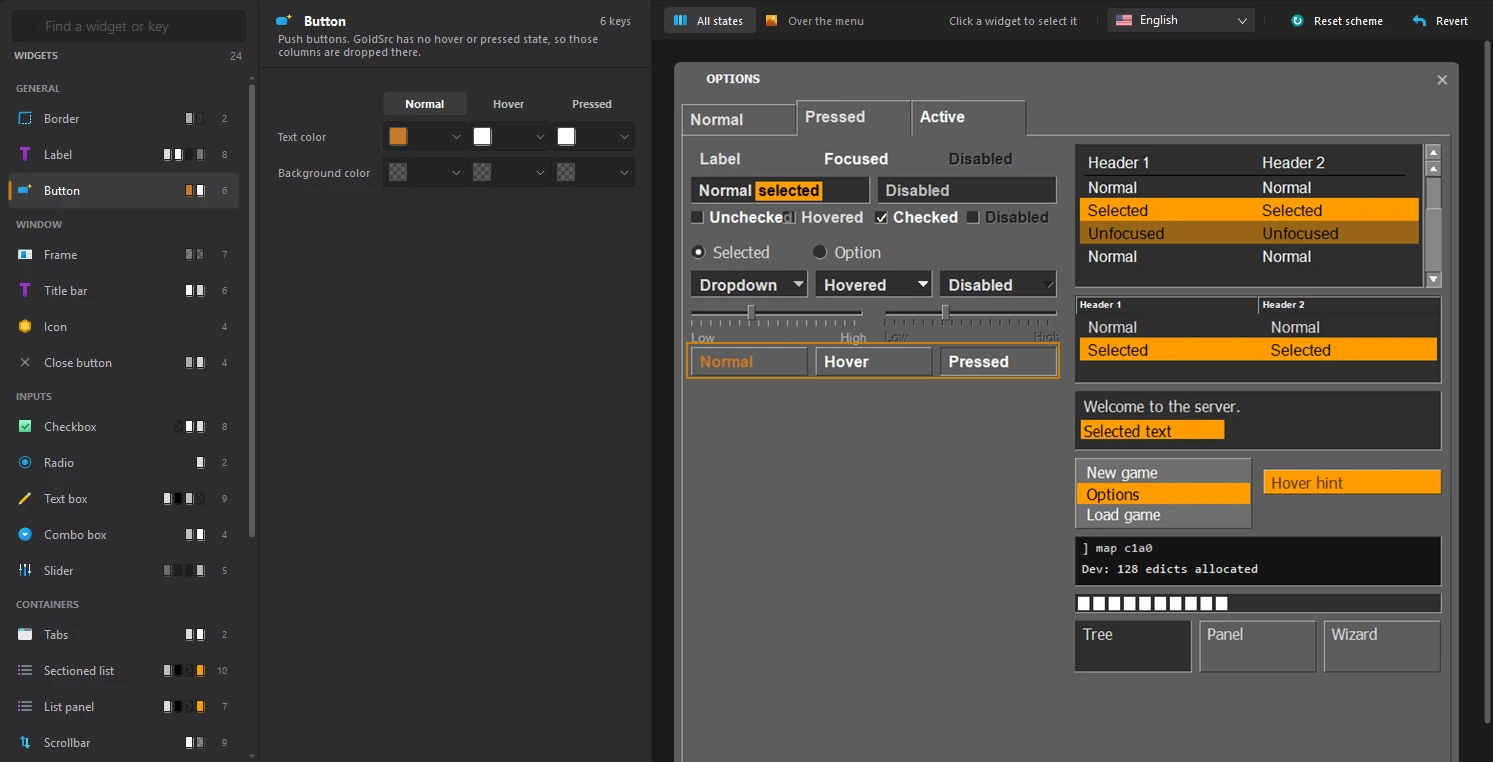
Over the menu, above the preview, draws the dialog over your own menu at the game's scale. Reset scheme throws away all of your mod's panel settings and goes back to the base game's.
4. Save
Click File > Save or press Ctrl+S. Your dialogs use the new theme the next time you run the mod.